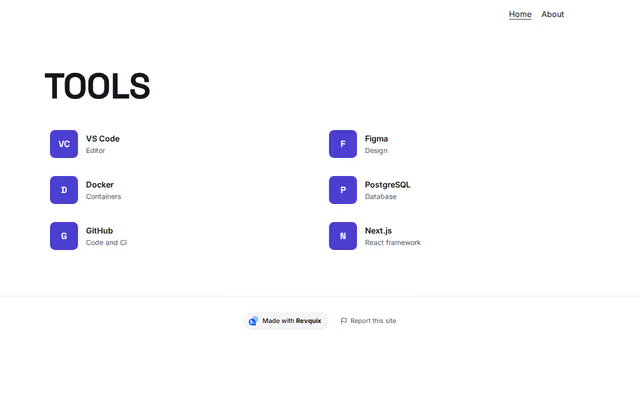
Tools
Skills section by Revquix
The tools and frameworks you use, with logos.
- Price
- Free
- Layouts
- 3
- Settings
- 5
In the editor, choose "Add a section" and find Tools under Skills.
3 layouts
Switch between them any time in the editor; your words stay.
- Logo grid(in the picture)
- Scrolling row
- One card: centred logos with years
What you can change
- Small label above the heading (optional)
- Heading
- Second heading line, dimmed (optional)
- Line under the heading (optional)
- Tools
Other skills sections
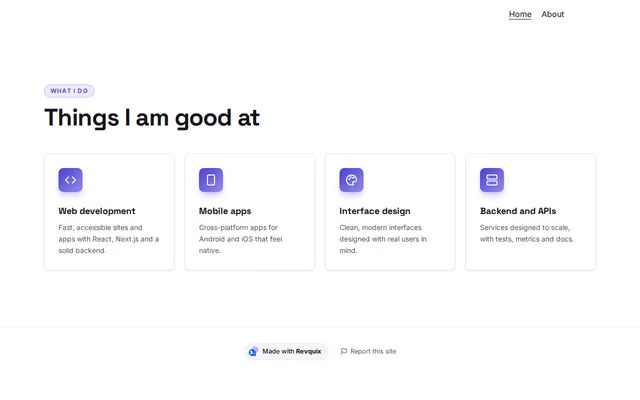 What I doby RevquixServices, strengths or the steps of your process, each with an icon.17 layouts
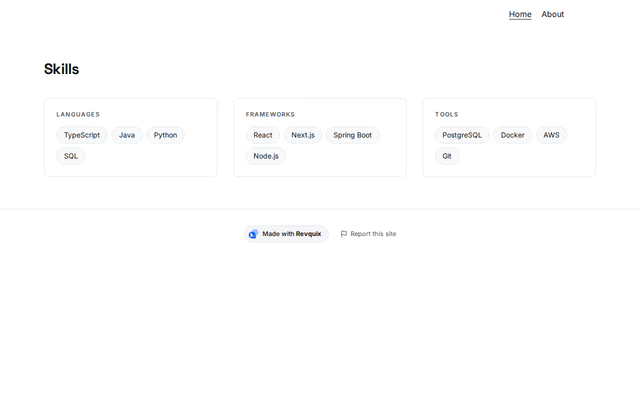 Skillsby RevquixYour skills as tags: in groups, one list, small badges or a moving band.10 layouts
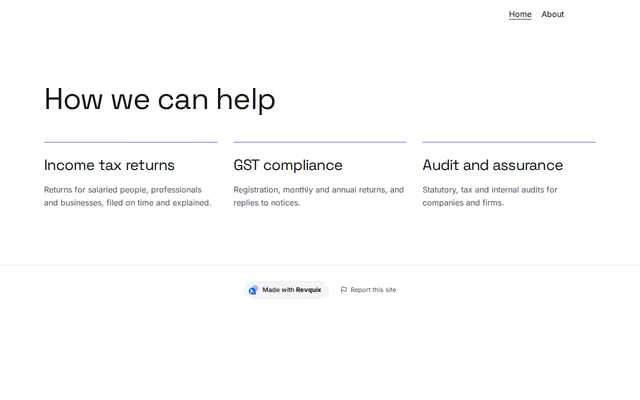 Practice areasby RevquixServices, levels of engagement, the laws you advise on or the stages of the work, for accountants and company secretaries.7 layouts
Want them arranged for you? Browse the templates.