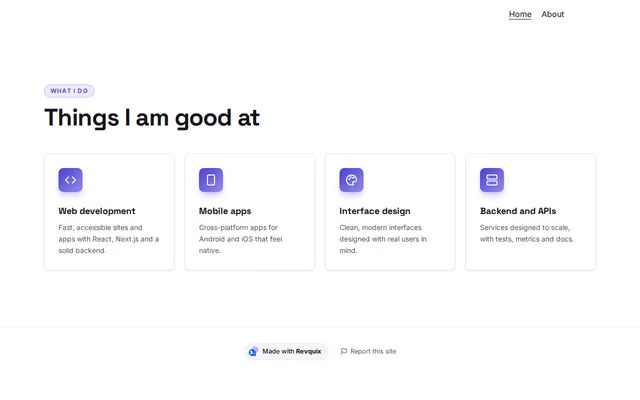
What I do
Skills section by Revquix
Services, strengths or the steps of your process, each with an icon.
- Price
- Free
- Layouts
- 17
- Settings
- 5
In the editor, choose "Add a section" and find What I do under Skills.
17 layouts
Switch between them any time in the editor; your words stay.
- Cards(in the picture)
- Icon beside text
- Numbered steps
- Glass cards
- Icons in circles
- Numbered columns
- Quiet cards
- Cards with a lit edge
- Hairline cards with numbers
- Big numbered steps in a panel
- Numbered rows
- Centred icon columns
- Dark tilted cards
- Columns under a rule
- Dark band, capitals
- One card: numbered stages
- Delivery steps with numbered tabs
What you can change
- Small label above the heading (optional)
- Heading
- Second heading line, dimmed (optional)
- Line under the heading (optional)
- Items
Other skills sections
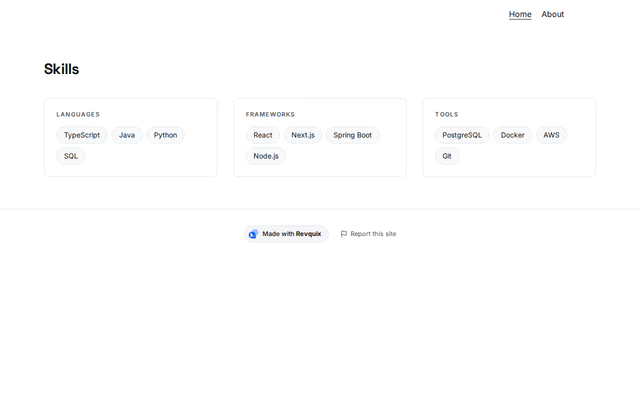 Skillsby RevquixYour skills as tags: in groups, one list, small badges or a moving band.10 layouts
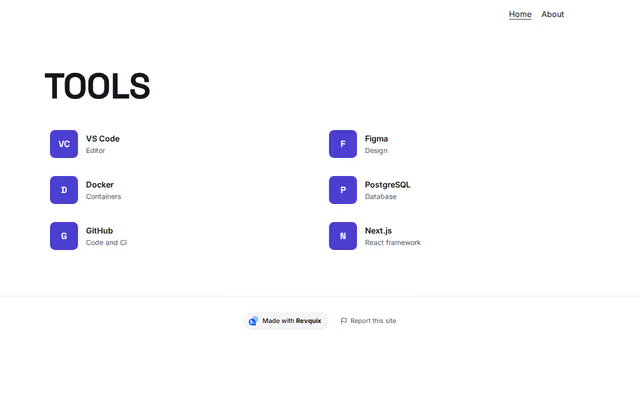 Toolsby RevquixThe tools and frameworks you use, with logos.3 layouts
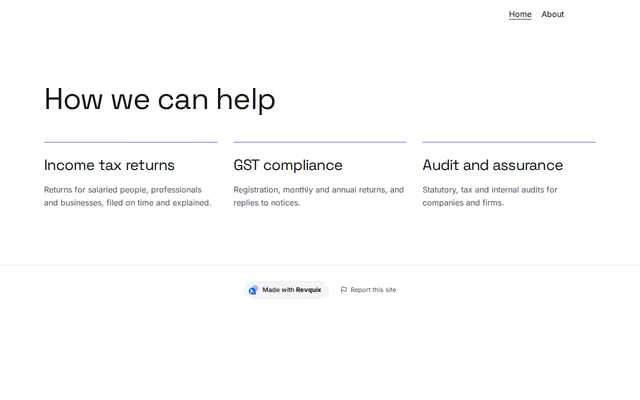 Practice areasby RevquixServices, levels of engagement, the laws you advise on or the stages of the work, for accountants and company secretaries.7 layouts
Want them arranged for you? Browse the templates.