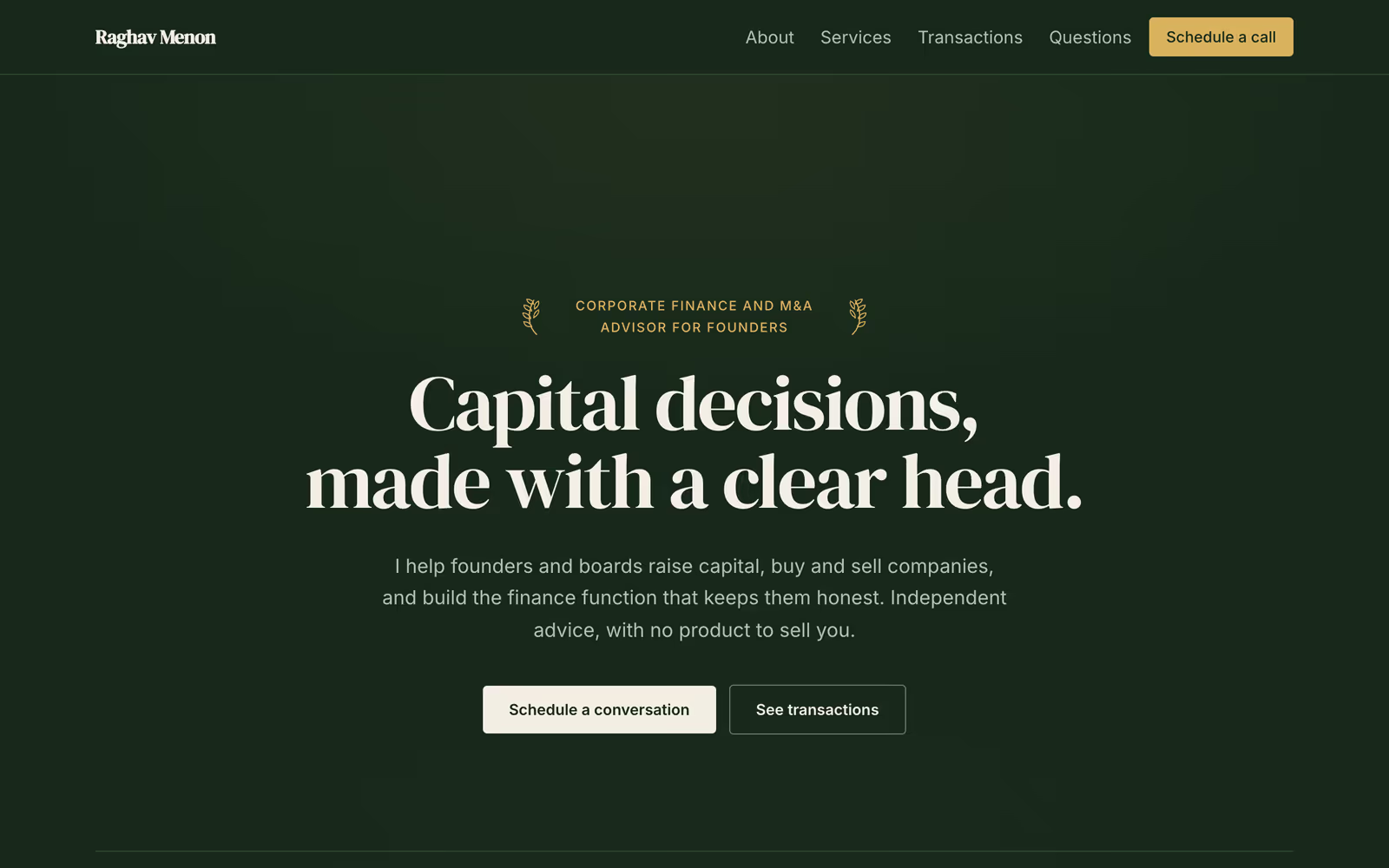
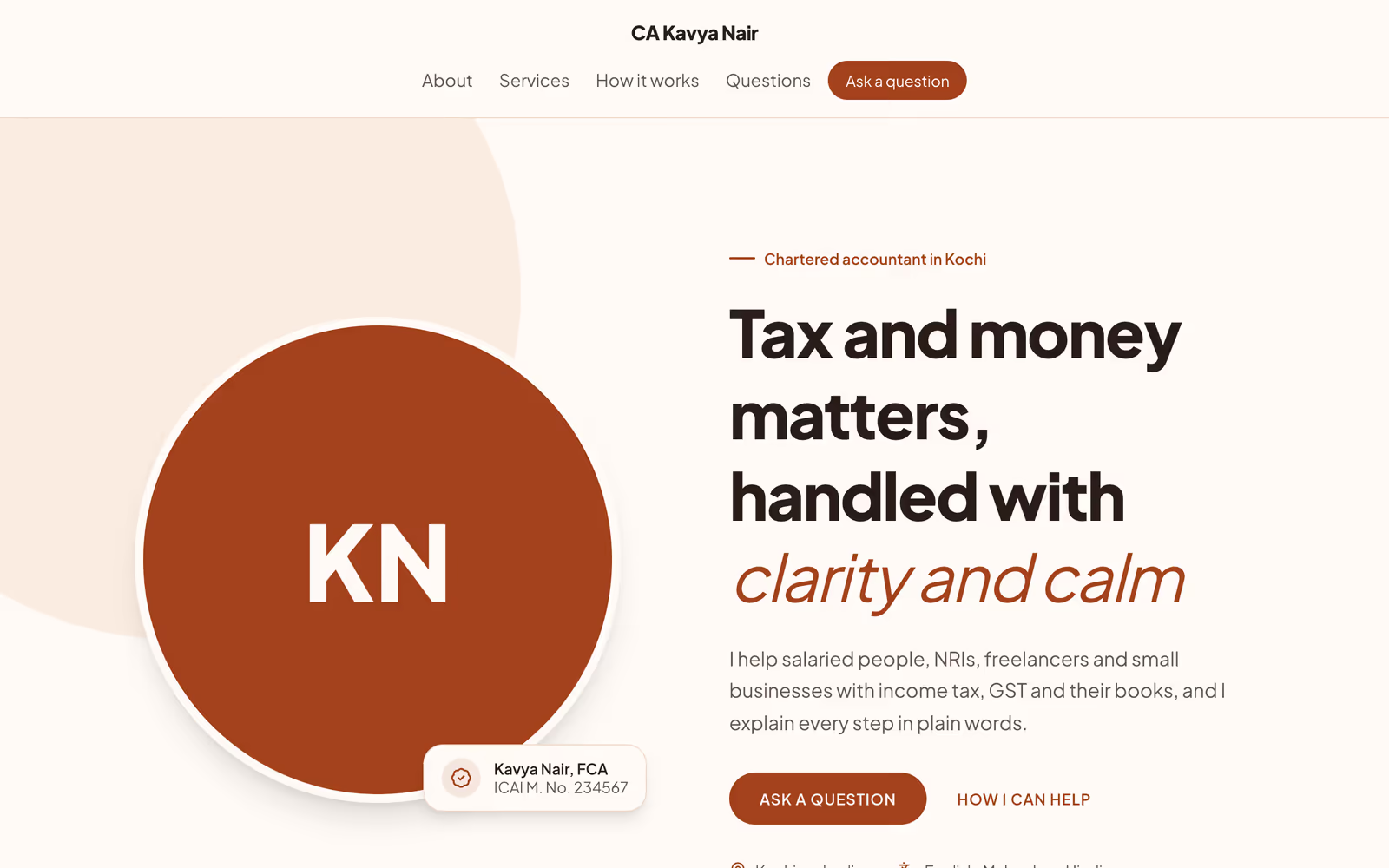
Your own website, with proof nobody else can show
Turn your Revquix profile into a fast personal site at your-name.revquix.com, with verified certificates, real coding stats and mentor reviews built in.
- Free to start
- No code needed
- Live in seconds
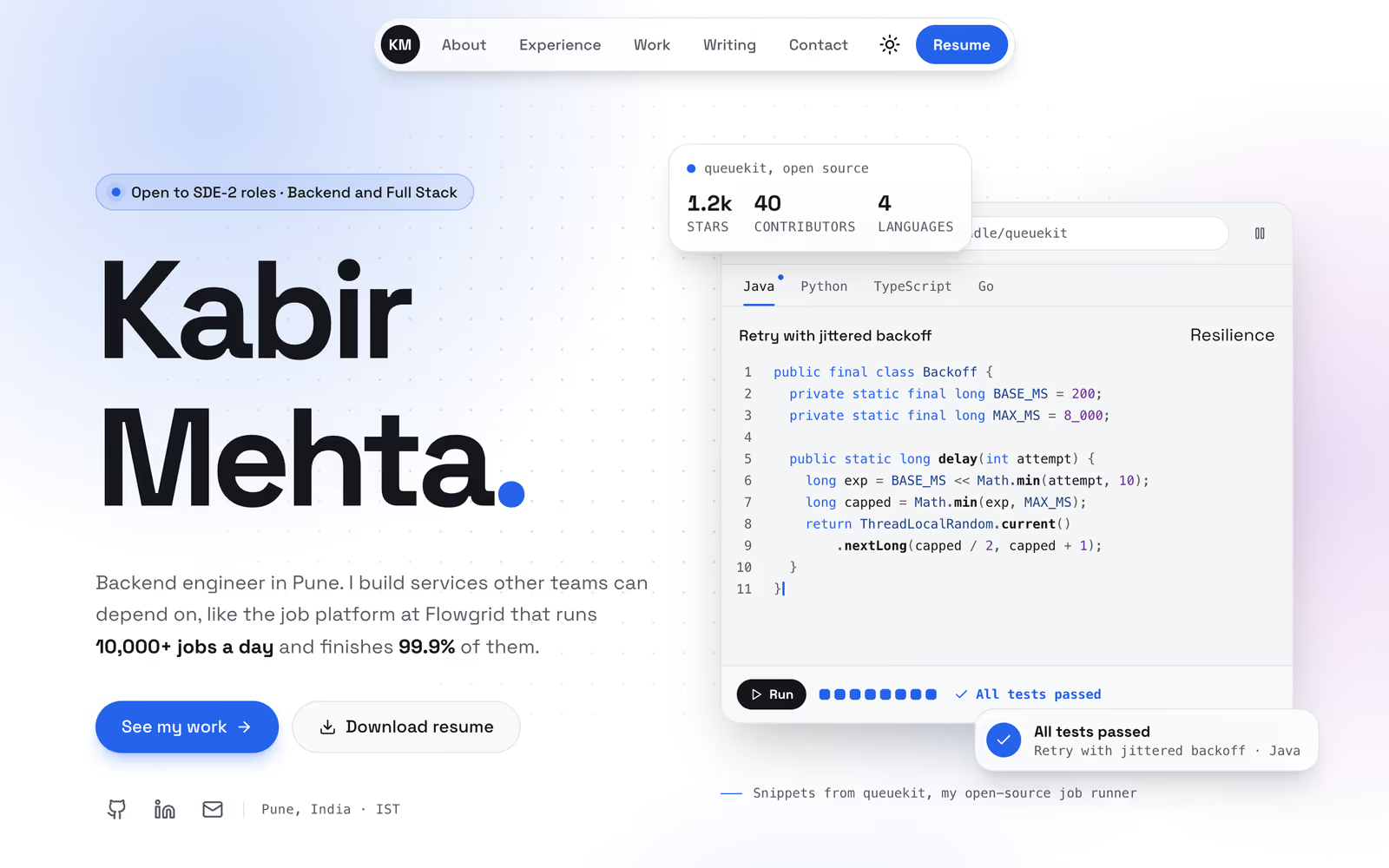
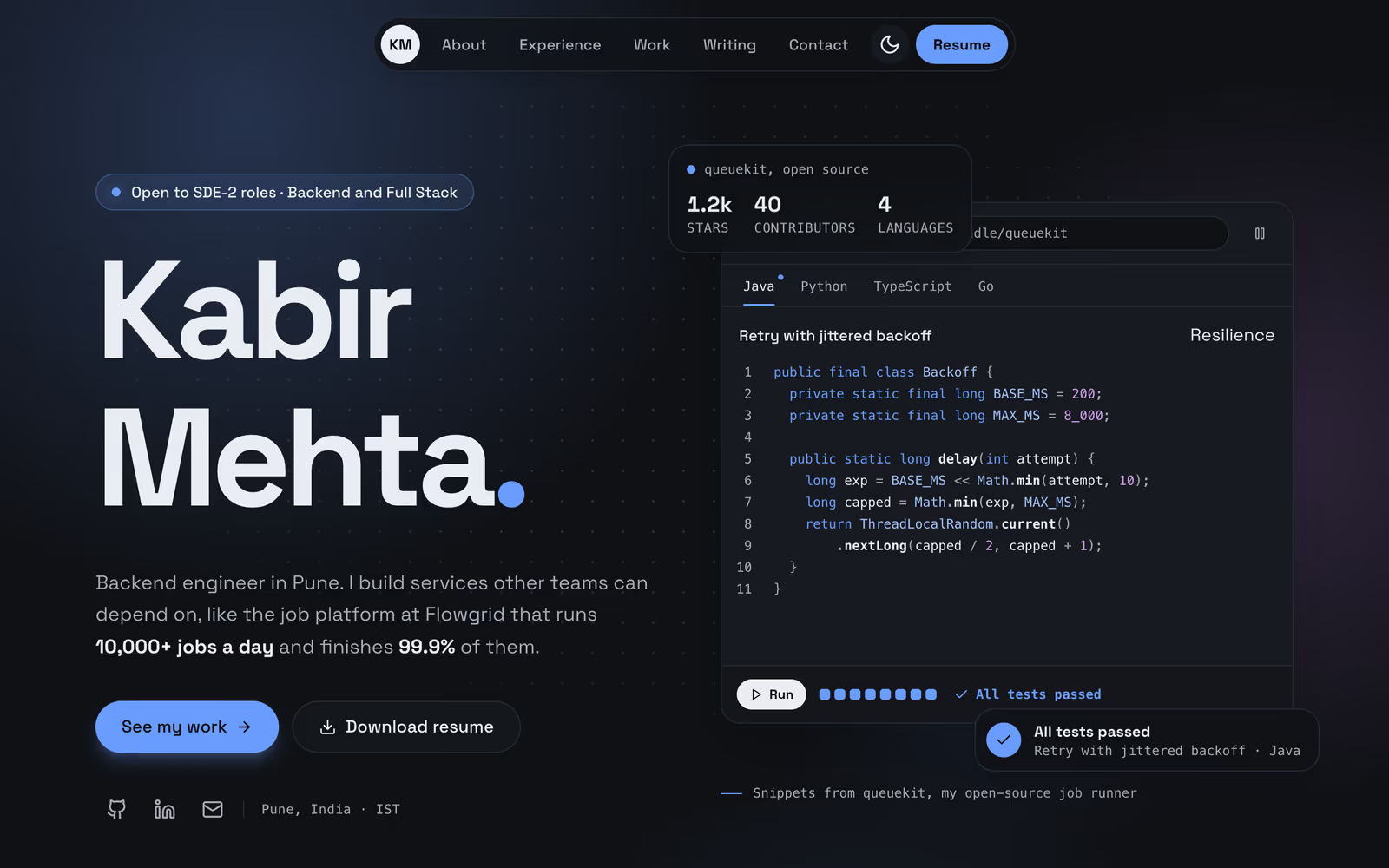
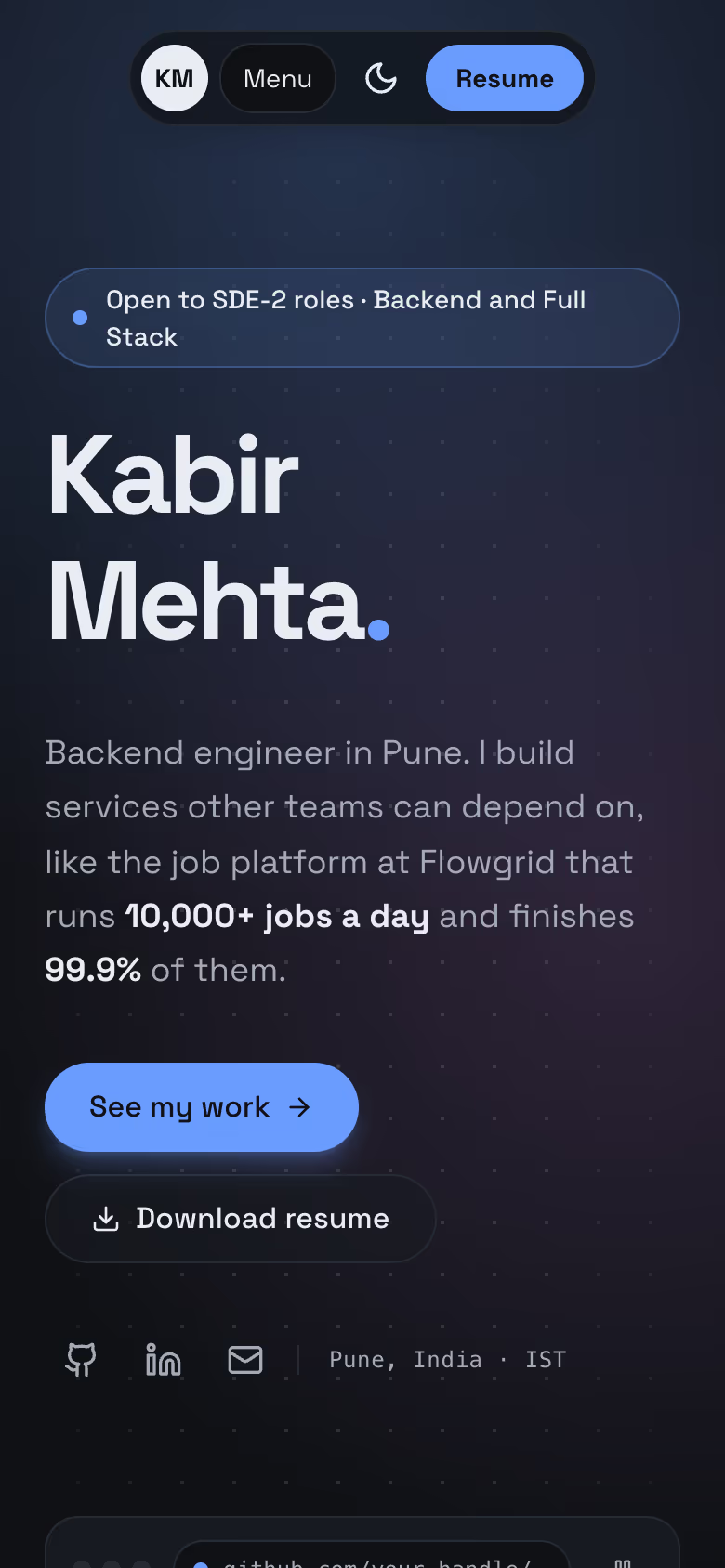
Template spotlight
Uptime. Built for engineers who ship.
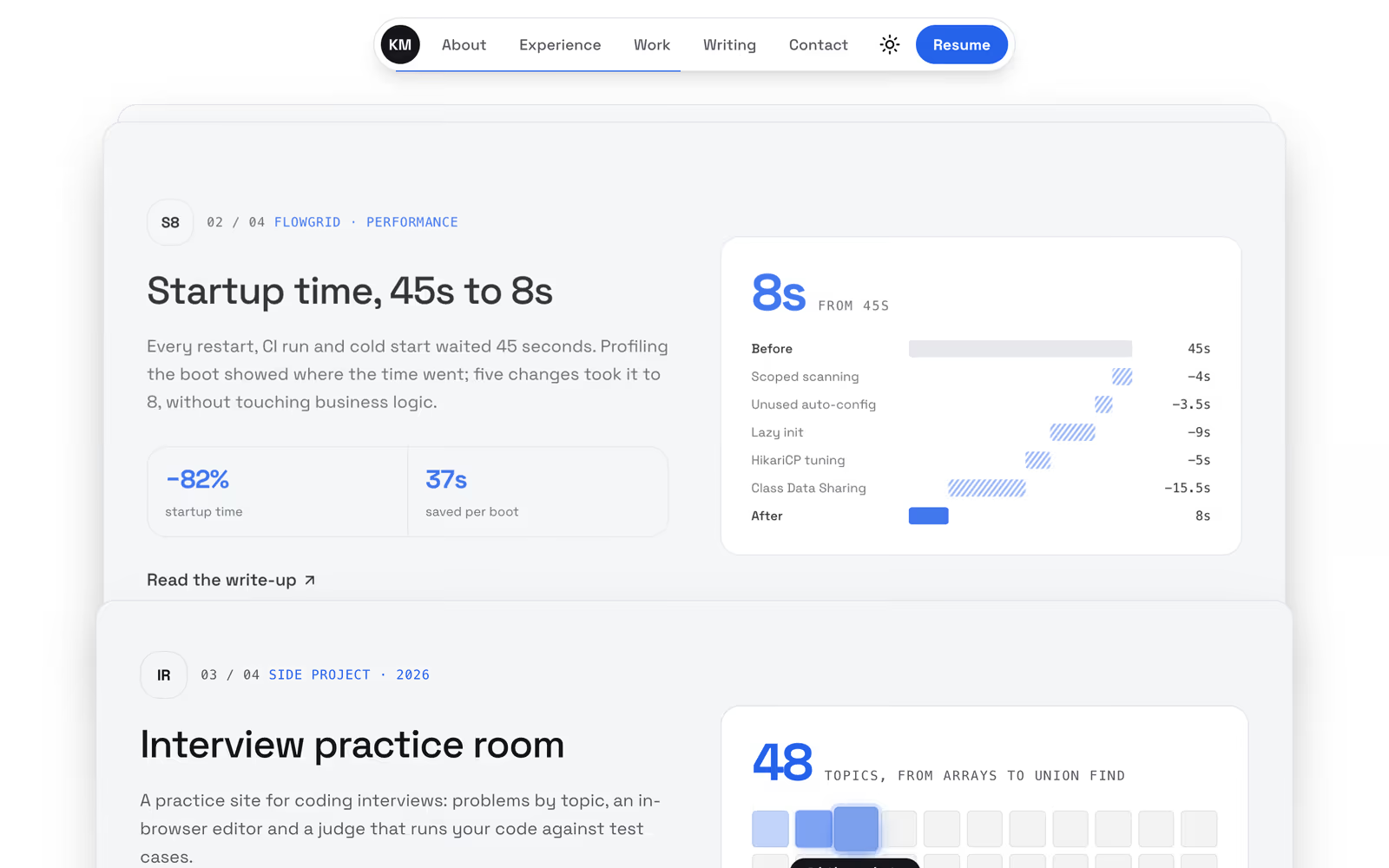
For backend engineers: a code window that types and passes its tests, stacked case studies with live diagrams, and a light and dark switch.
- A code window that types, runs and passes its own tests
- Stacked case studies with live diagrams and the numbers that moved
- A light and dark switch for your visitors
- 1 page, free to use
Templates
A finished design for every kind of work
Each one has a live demo. Start from it and replace the sample words with your own.
Engineers, developers and tech leads
- demo-sticky-split.revquix.com
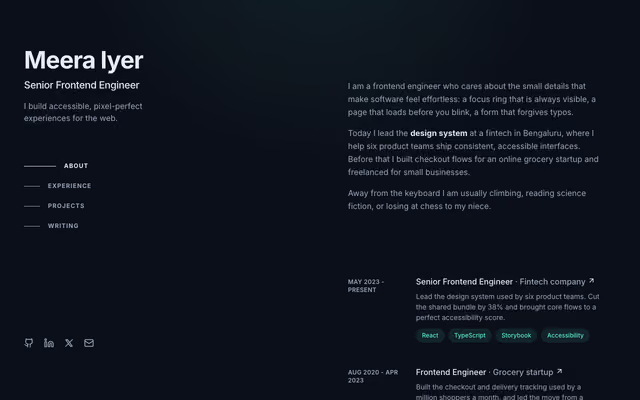 Sticky SplitFreeFrontend engineer
 - demo-dock.revquix.com
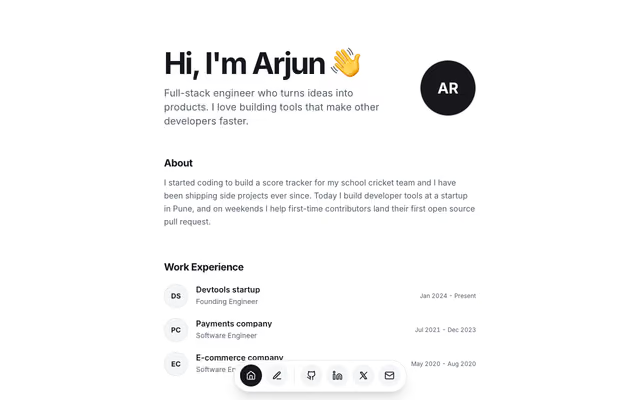 DockFreeFull stack engineer
 - demo-bold-card.revquix.com
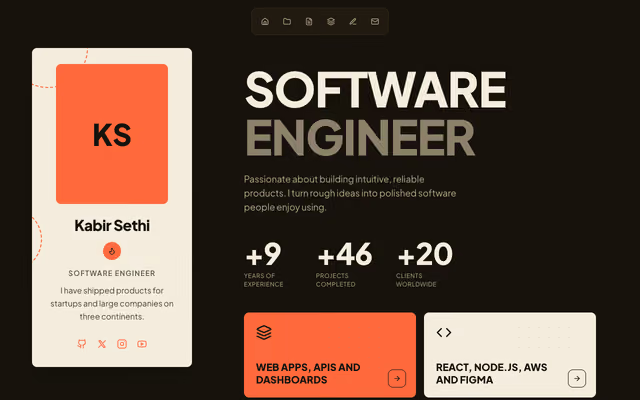 Bold CardFreeSoftware engineer
 - demo-product-engineer.revquix.com
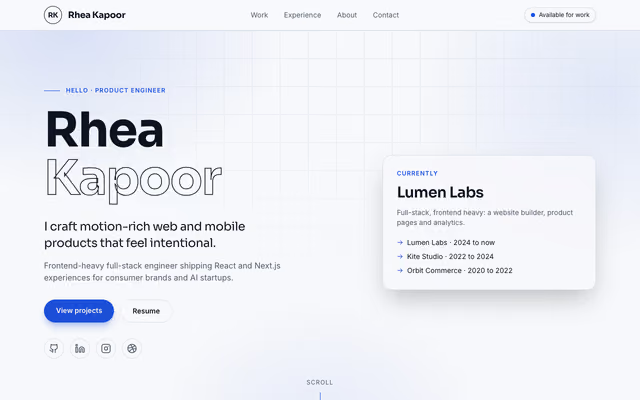 Product EngineerFreeProduct engineer
 - demo-vcard.revquix.com
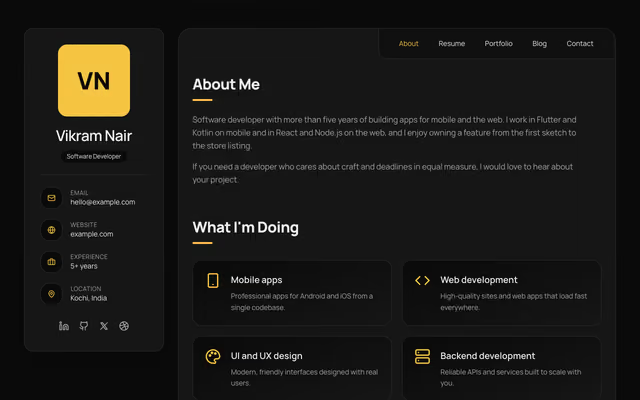 vCardFreeMobile developer
 - demo-bloom.revquix.com
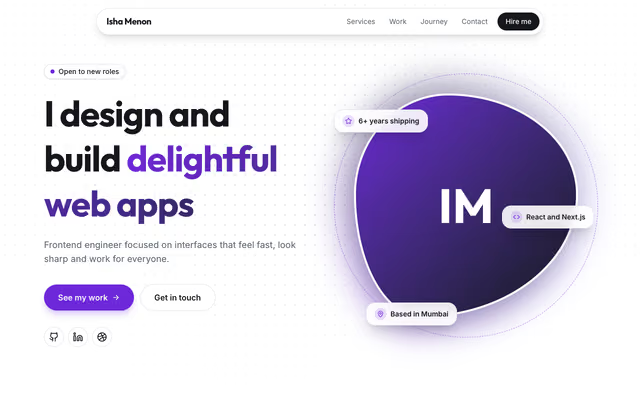 BloomFreeFrontend engineer
How it works
From your data to a live address in three steps
No blank page, no code, no hosting to set up. Start from what Revquix already knows about you.
1
Start from your data
Generate first words from your Revquix profile or a saved resume, pick a template, or start blank.
2
Make it yours
Rearrange sections, write in your own voice, choose a theme and fonts. It works on your phone too.
3
Publish in seconds
Your site goes live at your-name.revquix.com. Every version is kept, and an old one comes back in a click.
What makes it different
Proof, not just claims
Anyone can say they are good at something. Your Revquix site can show it, with data Revquix has checked. Nothing on the page is marked verified unless it was.
Certificates with a live check
Each Revquix certificate links to its verification page, so anyone can confirm it in one click.
Real problem-solving stats
Problems solved, streaks and languages come straight from your practice on Revquix, never typed in.
Reviews from real sessions
Mentors can show ratings and reviews from sessions people actually booked and finished.
Projects people can run
Code Projects open on Revquix with a Run button, not just a screenshot.
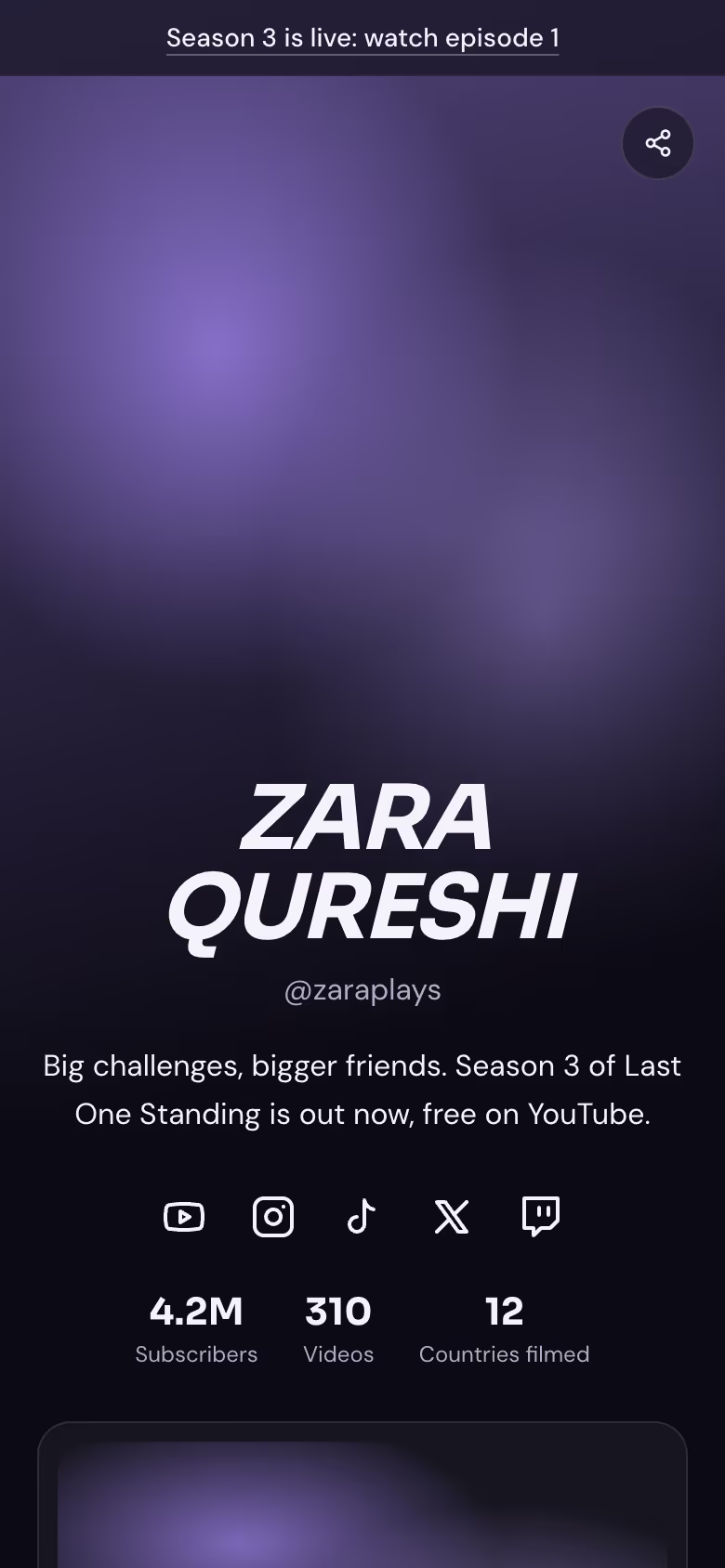
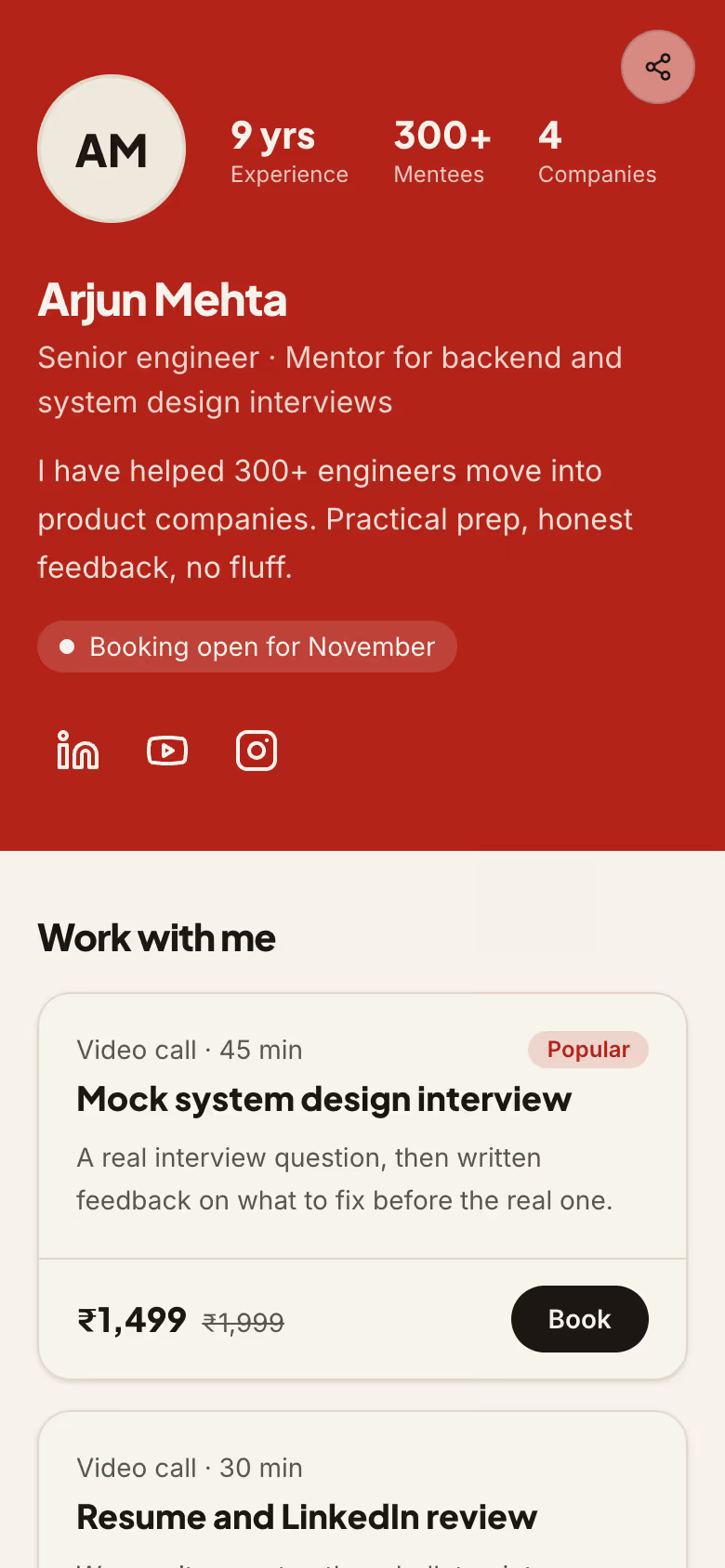
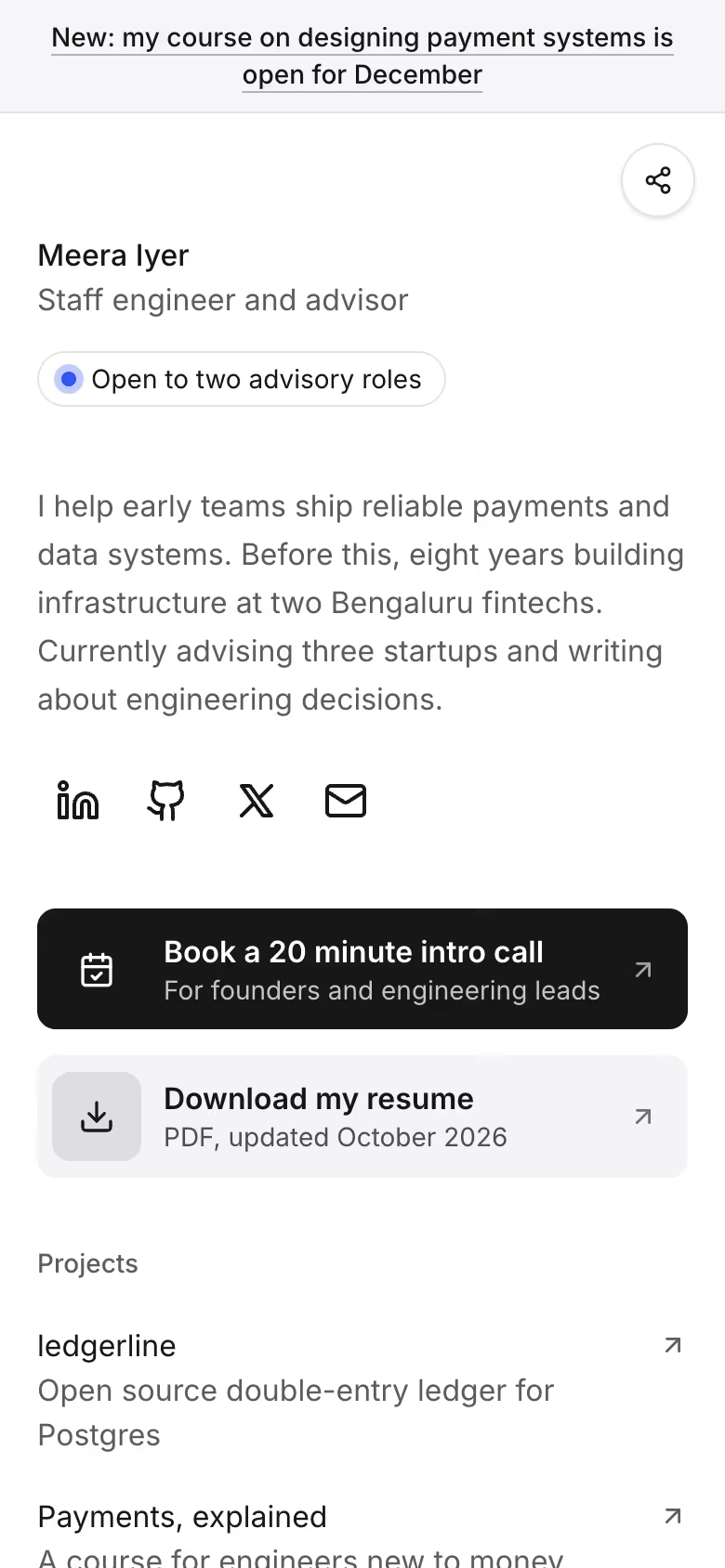
Link in BioNew
One link for your Instagram, YouTube or LinkedIn bio
Links, videos, offers and bookings on one page, with clicks counted per link. Pick from 4 templates and edit it like a list.
See Link in Bio templates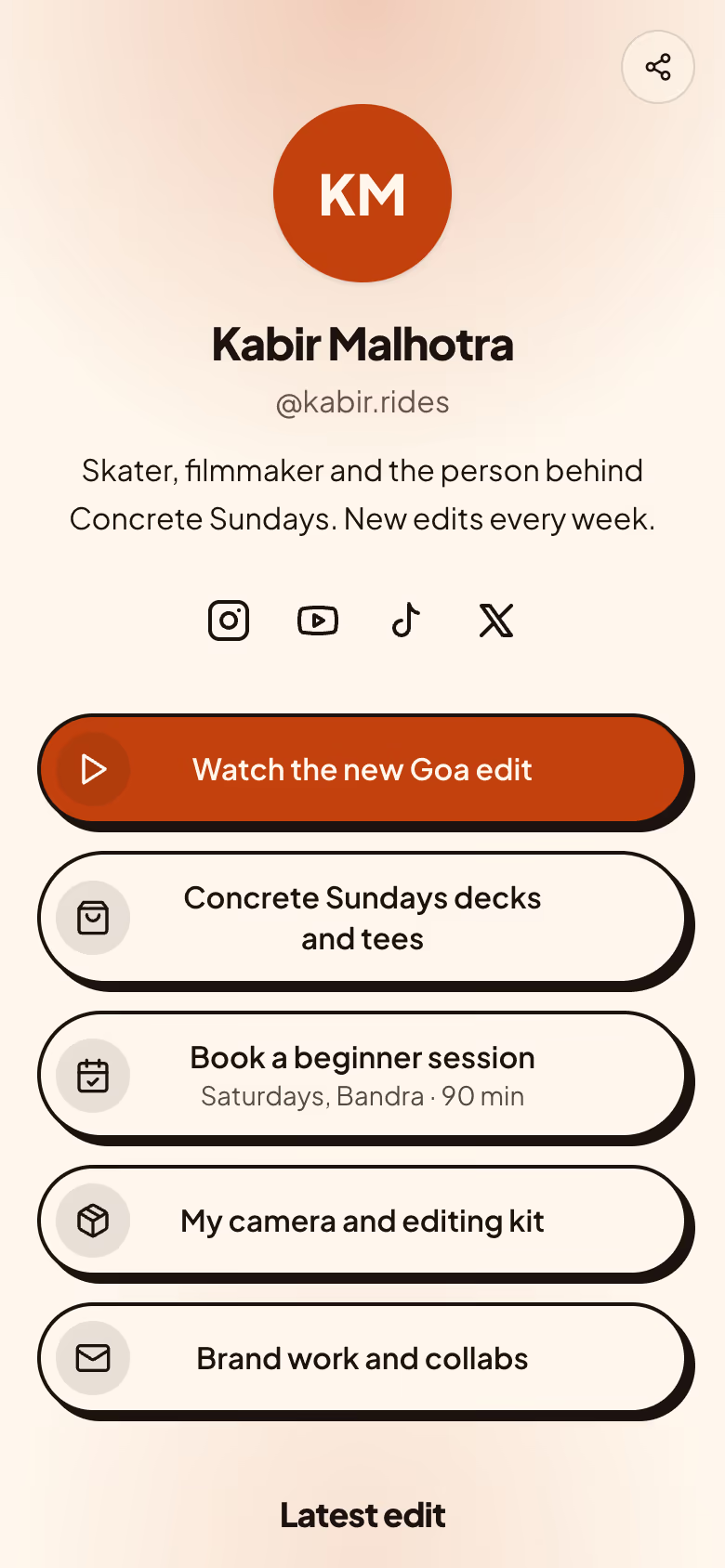
Everything included
Everything a personal site needs
Fast everywhere
Plain pages served from the edge, with almost no JavaScript. Quick on a mid-range phone on 4G.
Private by default
Built-in visitor counts use no cookies, and your own visits are never counted.
Your own domain
Connect www.yourname.com for a few credits a month. Your revquix.com address keeps working and points to it.
Help with the words
Ask for a shorter, warmer or more specific version of any section. Nothing changes until you accept.
Every version kept
Each publish is saved. Bring an old version back in a click if you change your mind.
A QR code for your resume
Every site comes with a QR code, ready to print on your resume or business card.
Edit on your phone
The editor works on a phone too, so a quick fix never has to wait for a laptop.
Take it with you
Download any published version as a zip of plain files, whenever you like.
Pricing
Free to build. A few credits a month to stay live.
No plans to compare. Every site gets the same features, paid with the credits you already use on Revquix.
Build
Free, for as long as you like.
- Up to 10 sites, 20 pages each
- Every free template and section
- Unlimited edits and previews
- Verified proof blocks and visitor counts
Go live
When you press Publish for the first time.
- 5 credits every 30 days, per site
- Your first site's first 30 days are free
- Your own domain adds 3 credits every 30 days
- Reminders 7 days and 2 days before each renewal
- Turn auto-renew off at any time
If you run short, your site stays live for 7 more days while you add credits.
Look around first
No account needed to browse.
Questions, answered
Something else on your mind? Ask us.
Is it free?
Building, editing and previewing are free. Keeping a site live costs 5 credits every 30 days, and your first site's first 30 days are free. We email you 7 days and 2 days before each renewal, and you can turn auto-renew off at any time.
Can I use my resume?
Yes. Generate my site can write first words from a resume saved in the Resume Builder, and the Resume section can link the PDF you export.
Does AI make up facts about me?
No. It only drafts words you can edit. Numbers and verified facts, like certificates and coding stats, always come from your real Revquix data.
Will search engines find my site?
Yes, after the first 72 hours. New sites are hidden from search engines for three days so throwaway spam sites never get listed. People with your link can visit straight away.
Can I take my site with me?
Yes. Download any published version as a zip of plain files from Site settings or the Versions panel (fonts and images still load from Revquix). Your profile also links to your live site, so people who find you on Revquix can reach it.
Can I add Google Analytics or my own code?
Analytics tools are added by ID once your site is on your own domain. Sites on revquix.com run only Revquix's own reviewed code, which keeps every member's visitors safe.
Make your site today
Free to start. Nothing is public until you press Publish.