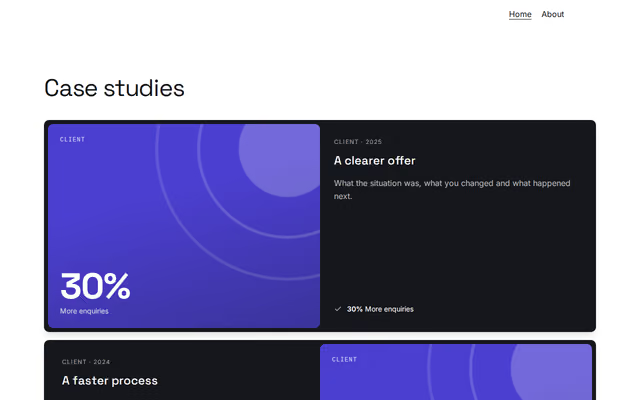
Case studies
Projects section by Revquix
Work told as problem, approach and result, with your numbers, a chart or your role.
- Price
- Free
- Layouts
- 6
- Settings
- 6
In the editor, choose "Add a section" and find Case studies under Projects.
6 layouts
Switch between them any time in the editor; your words stay.
- Dark cards with results(in the picture)
- Context, approach, result
- Cards with a chart
- Colour cards with role and impact
- One card: alternating rows, pill buttons
- Delivered projects with outcome tiles
What you can change
- Small label above the heading (optional)
- Heading
- Second heading line, dimmed (optional)
- Line under the heading (optional)
- Case studies
- Link under the cases (optional)
Other projects sections
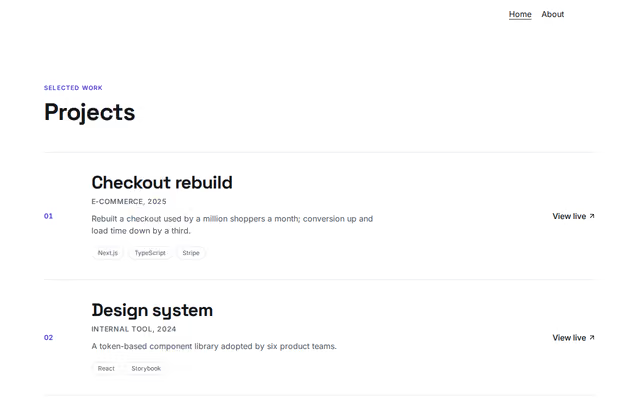 Projects (rows)by RevquixYour projects as a list of rows with images, tags and links.3 layouts
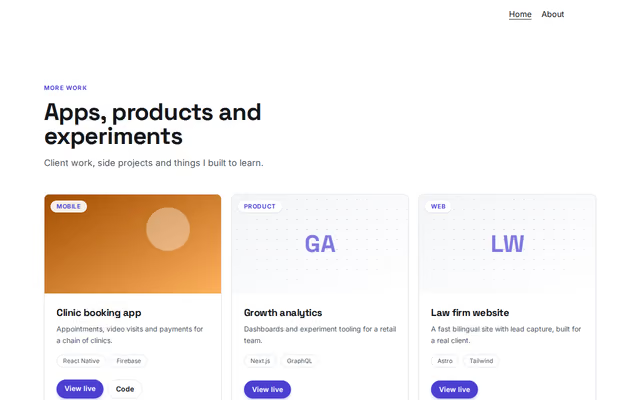 Projects (cards)by RevquixYour projects as picture cards with tags and links.6 layouts
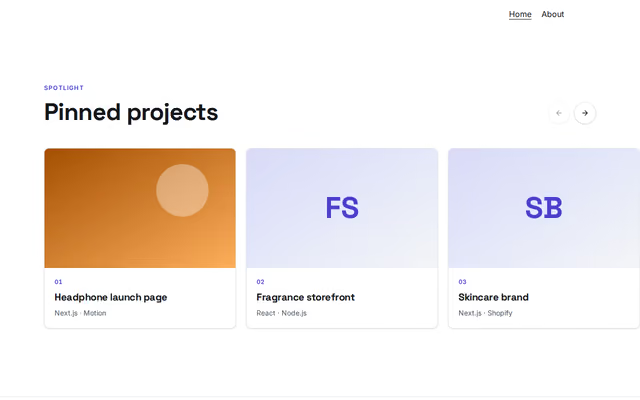 Projects (carousel)by RevquixYour best projects as big picture cards in a row that scrolls sideways.1 layout
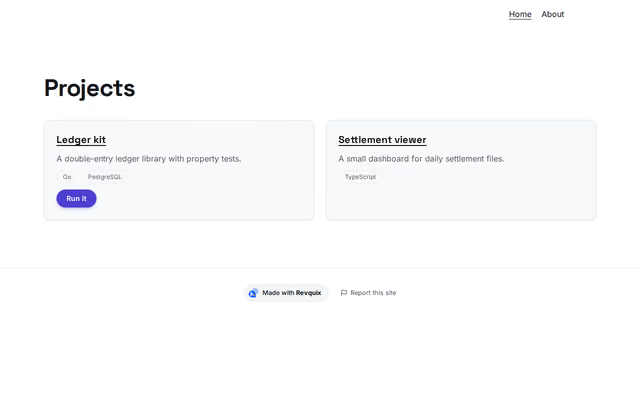 Revquix projectsby RevquixProjects from your Revquix profile; Code Projects get a Run it link.1 layoutFills itself
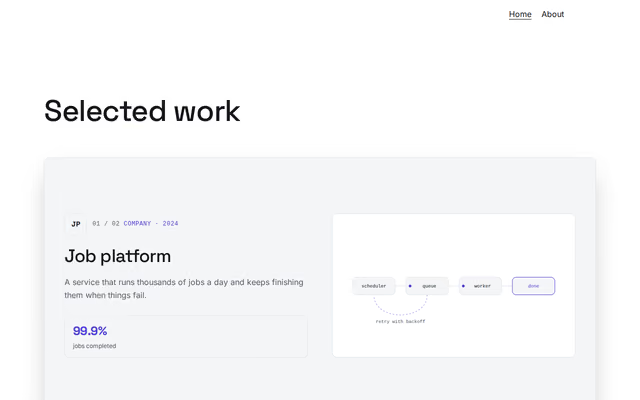 Projects (stacked cards)by RevquixCase studies as cards that stack as you scroll, each with a logo, links, numbers and a moving diagram.1 layout
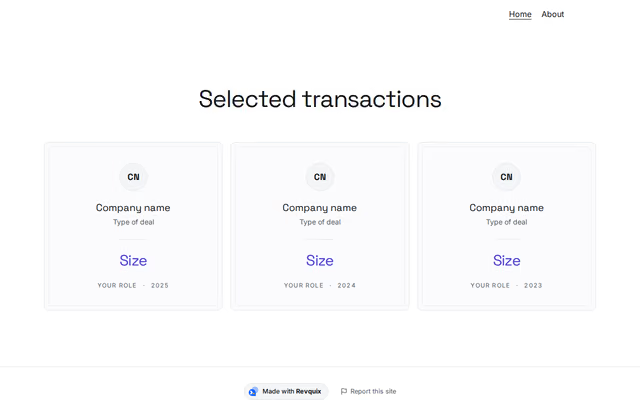 Deals and transactionsby RevquixTransactions or accounts with size, sector, your role and year, as cards or a table.2 layouts
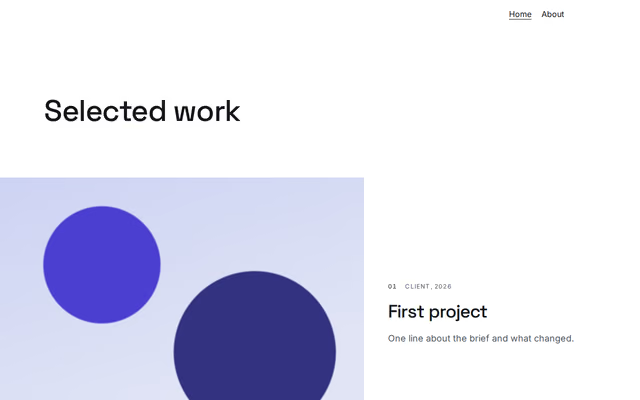 Work showcaseby RevquixYour work shown big: rows of pictures running off the page edge, or a scattered editorial gallery.3 layouts
Want them arranged for you? Browse the templates.