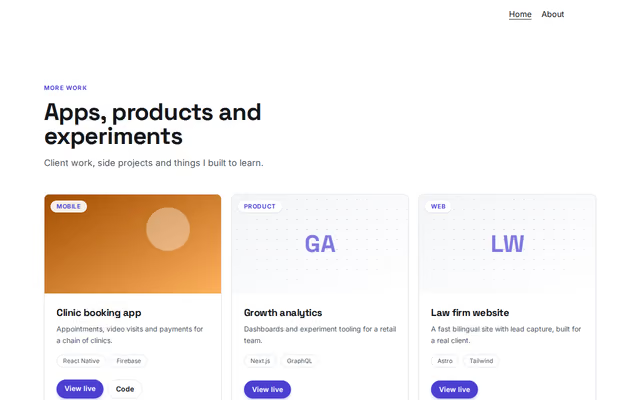
Projects (cards)
Projects section by Revquix
Your projects as picture cards with tags and links.
- Price
- Free
- Layouts
- 6
- Settings
- 6
In the editor, choose "Add a section" and find Projects (cards) under Projects.
6 layouts
Switch between them any time in the editor; your words stay.
- Cards with buttons(in the picture)
- Glowing cards
- Two per row, narrow
- Picture cards
- Outlined cards, round buttons
- Dark panels, first one wide
What you can change
- Small label above the heading (optional)
- Heading
- Second heading line, dimmed (optional)
- Line under the heading (optional)
- Projects
- Link under the cards (optional)
Other projects sections
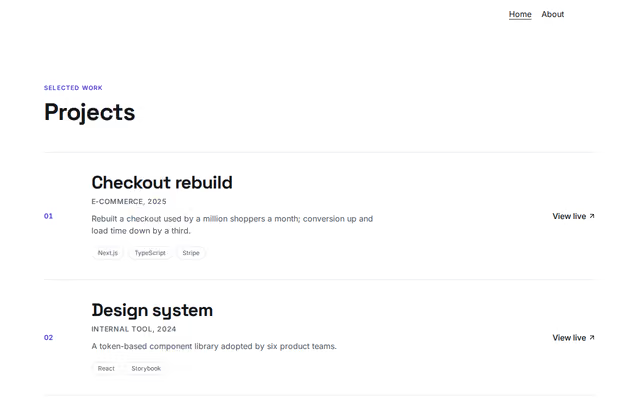 Projects (rows)by RevquixYour projects as a list of rows with images, tags and links.3 layouts
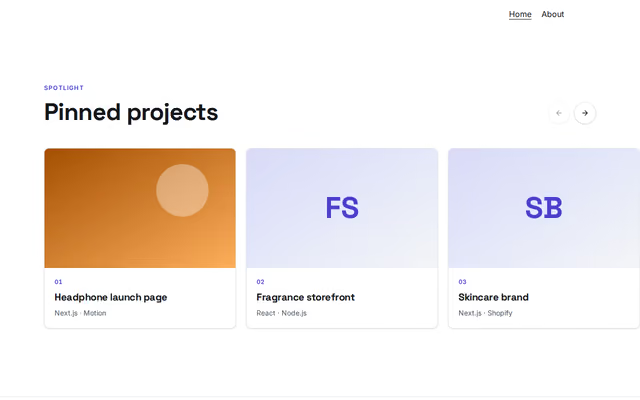 Projects (carousel)by RevquixYour best projects as big picture cards in a row that scrolls sideways.1 layout
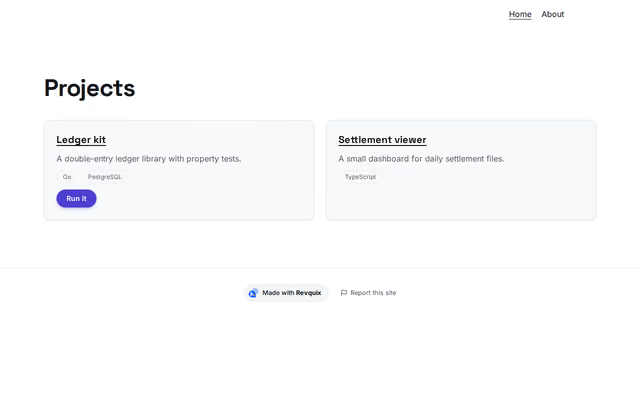 Revquix projectsby RevquixProjects from your Revquix profile; Code Projects get a Run it link.1 layoutFills itself
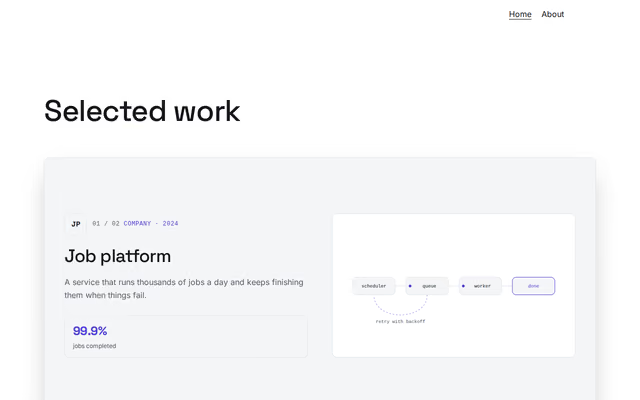 Projects (stacked cards)by RevquixCase studies as cards that stack as you scroll, each with a logo, links, numbers and a moving diagram.1 layout
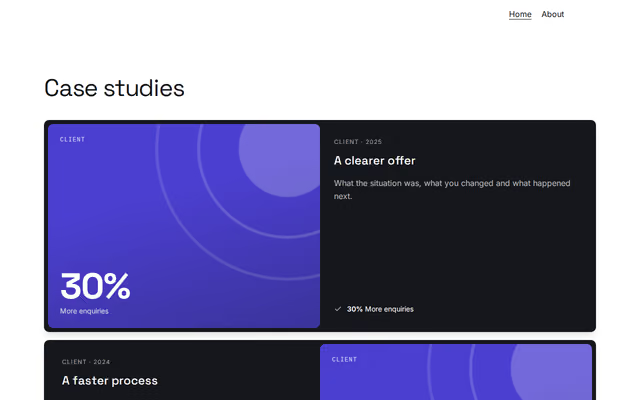 Case studiesby RevquixWork told as problem, approach and result, with your numbers, a chart or your role.6 layouts
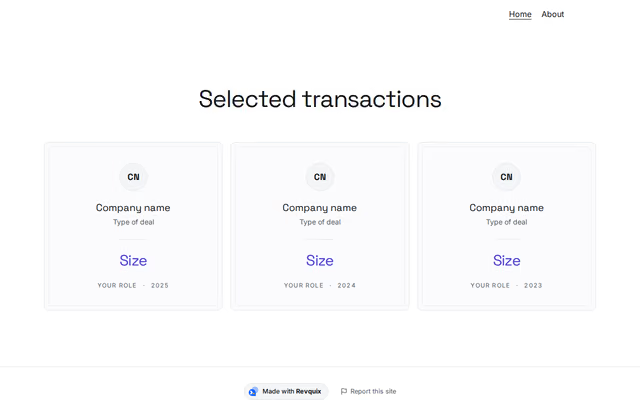 Deals and transactionsby RevquixTransactions or accounts with size, sector, your role and year, as cards or a table.2 layouts
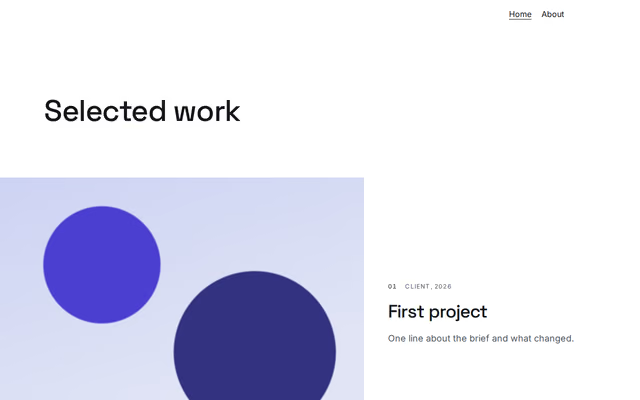 Work showcaseby RevquixYour work shown big: rows of pictures running off the page edge, or a scattered editorial gallery.3 layouts
Want them arranged for you? Browse the templates.