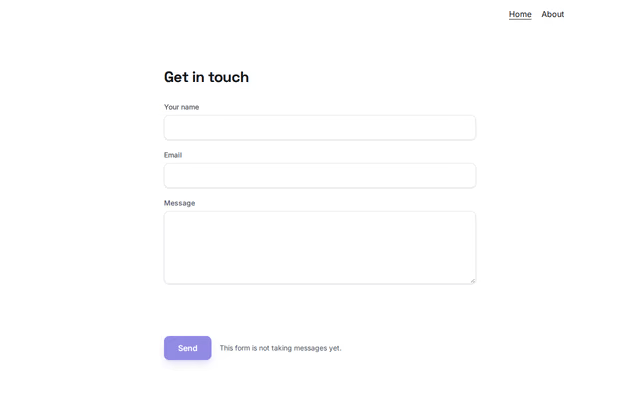
Contact form
Contact section by Revquix
Up to 8 fields; entries arrive in your Revquix inbox and by email.
- Price
- Free
- Layouts
- 8
- Settings
- 8
In the editor, choose "Add a section" and find Contact form under Contact.
8 layouts
Switch between them any time in the editor; your words stay.
- Stacked(in the picture)
- Heading beside the form
- Big two-tone heading
- Card panel
- Dark card, centred
- Framed form, serif heading
- Compact card (link pages)
- One card: centred heading, soft fields
What you can change
- Small label above the heading (optional)
- Heading
- Second heading line, dimmed (optional)
- Line above the form (optional)
- Form name (letters, digits, -)
- Fields
- Button text
- Message after sending
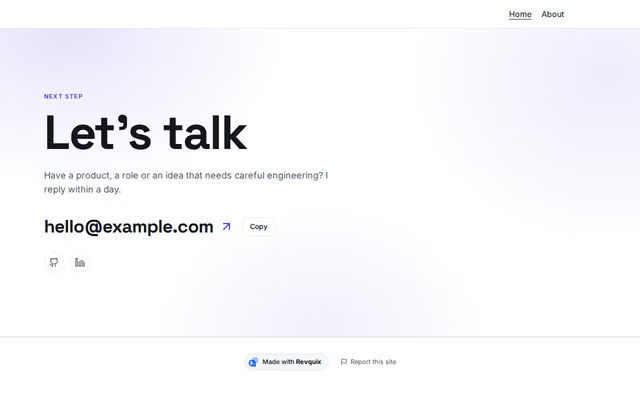
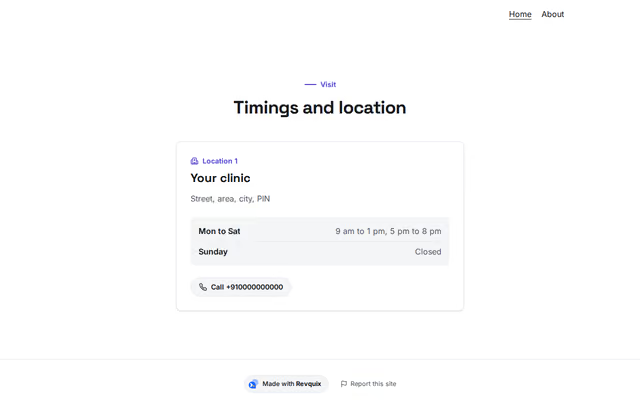
Other contact sections
Want them arranged for you? Browse the templates.