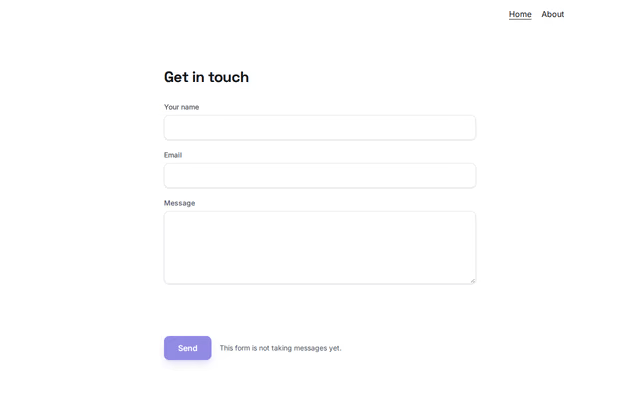
Get in touch
Contact section by Revquix
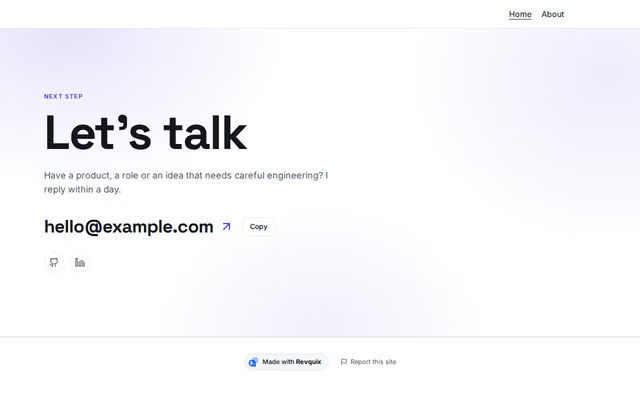
A closing invitation with your email, buttons and social links.
- Price
- Free
- Layouts
- 10
- Settings
- 11
In the editor, choose "Add a section" and find Get in touch under Contact.
10 layouts
Switch between them any time in the editor; your words stay.
- Big email(in the picture)
- Bright card
- Glowing card
- Centred, narrow
- Huge heading with a turning seal
- One card: thank-you and round icons
- Tinted panel (newsletter)
- New task: huge heading, email button
- Calm, centred, round buttons
- Dark, big email in the accent
What you can change
- Small label above (optional)
- Heading
- One or two lines
- Email (optional)
- Main button (optional)
- Second button (optional)
- Social links
- End of the heading in the accent colour (optional)
- Small photo beside the email (optional)
- Your name (for the photo)
- Place line at the bottom, e.g. city and time zone (optional)
Other contact sections
Want them arranged for you? Browse the templates.