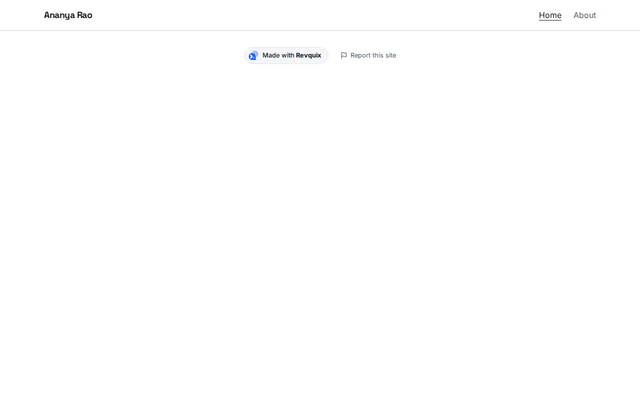
Top menu
Navigation section by Revquix
Your name or logo with the site menu: a bar, a floating pill, icon dock or tabs.
- Price
- Free
- Layouts
- 9
- Settings
- 10
In the editor, choose "Add a section" and find Top menu under Navigation.
9 layouts
Switch between them any time in the editor; your words stay.
- Name left, menu right(in the picture)
- Centred
- Frosted bar with status
- Floating pill
- Icon pill at the top
- Icon dock at the bottom
- Tabs (vCard panel)
- Button, centred name, phone
- Centred capsule with initials
What you can change
- Name shown in the menu
- Logo (optional)
- Logo description (for screen readers)
- Button (optional)
- Icon links (dock and icon pill)
- Status, e.g. Available for work (optional)
- Extra menu links, e.g. sections of this page
- Notice bar above the menu (optional)
- Phone or WhatsApp link (optional)
- Light and dark switch for visitors
Want them arranged for you? Browse the templates.