Links
Links section by Revquix
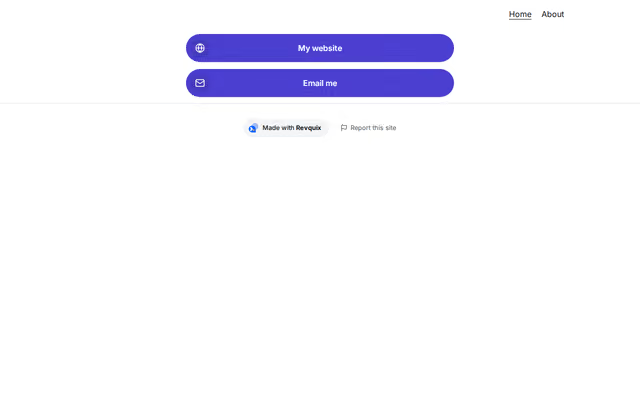
A column of link buttons with optional pictures, second lines, highlights, on and off switches and schedules.
- Price
- Free
- Layouts
- 6
- Settings
- 2
In the editor, choose "Add a section" and find Links under Links.
6 layouts
Switch between them any time in the editor; your words stay.
- Filled pills(in the picture)
- Outlined pills
- Sticker buttons (hard shadow)
- Frosted glass
- Soft cards
- Plain list
What you can change
- Group heading (optional)
- Links
Other links sections
Want them arranged for you? Browse the templates.