Link page background
Layout section by Revquix
Turns the page into one phone-width column over a colour, gradient, photo or blurred photo background.
- Price
- Free
- Layouts
- 5
- Settings
- 1
In the editor, choose "Add a section" and find Link page background under Layout.
5 layouts
Switch between them any time in the editor; your words stay.
- Page colour(in the picture)
- Soft light
- Colour gradient
- Photo
- Blurred photo
What you can change
- Background picture (photo and blur)
Other layout sections
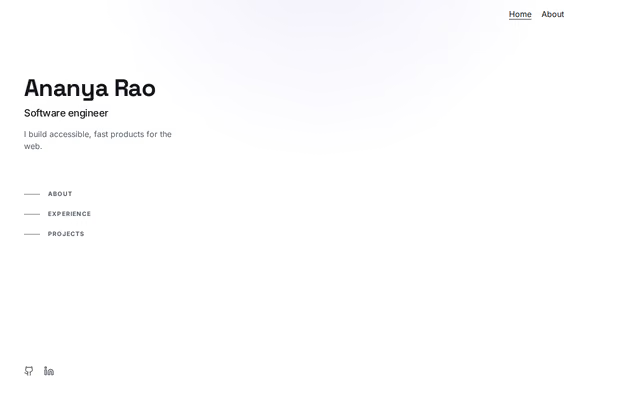 Profile sidebarby RevquixYour name, photo and links in a column that stays in view. Place it first on the page.3 layouts
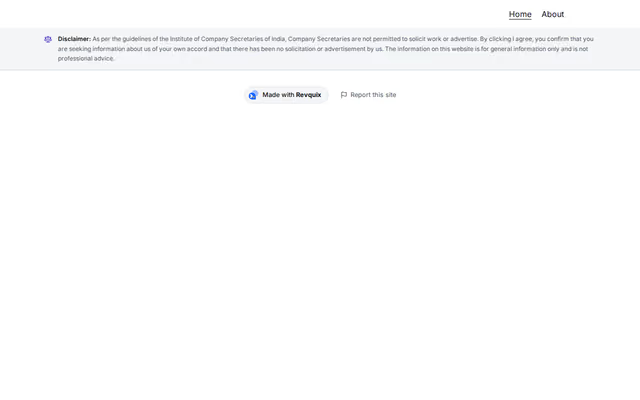 Disclaimer on openingby RevquixA disclaimer every visitor sees, opened as a dialog with Agree and Exit on the first visit. Required on a practising company secretary's site.1 layout
 One-card pageby RevquixPuts every section of the page in one centred card, with a soft rule between sections.2 layouts
Want them arranged for you? Browse the templates.