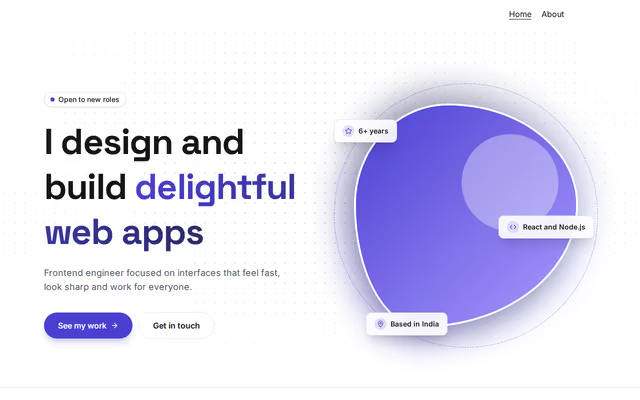
Hero: photo in a living shape
Hero section by Revquix
Headline with a gradient highlight beside your photo in an animated blob.
- Price
- Free
- Layouts
- 2
- Settings
- 11
In the editor, choose "Add a section" and find Hero: photo in a living shape under Hero.
2 layouts
Switch between them any time in the editor; your words stay.
- Photo on the right(in the picture)
- Photo on the left
What you can change
- Small badge above (optional)
- Headline
- Highlighted words at the end
- One or two lines
- Main button
- Second button (optional)
- Your name (initials when there is no photo)
- Photo
- Photo description (for screen readers)
- Floating chips (up to 3)
- Social links
Other hero sections
 Hero: auroraby RevquixA bold statement with a gradient highlight over a soft moving glow.2 layouts
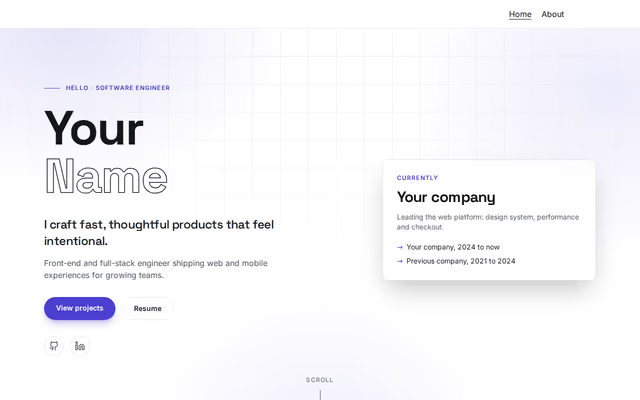 Hero: outlined nameby RevquixYour name in large letters (the second word outlined), a tagline and a status card.2 layouts
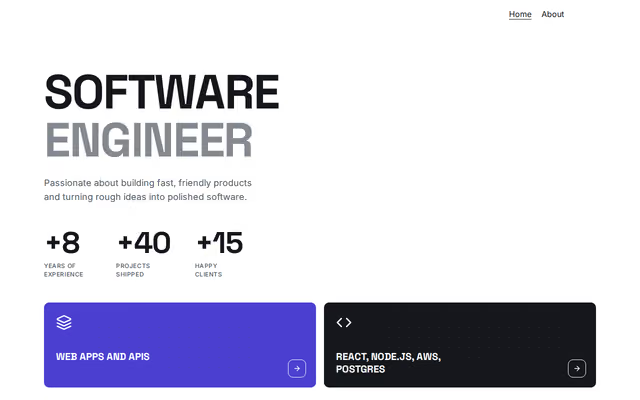 Hero: bold headlineby RevquixYour role in huge two-tone letters, numbers that matter and two highlight tiles.2 layouts
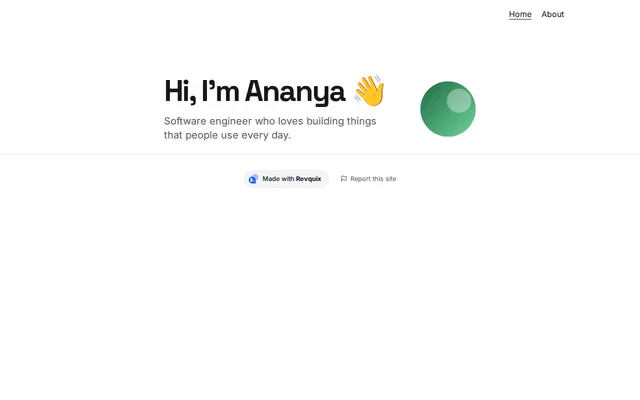 Hero: greetingby RevquixA short hello and one line about you, with a round photo.2 layouts
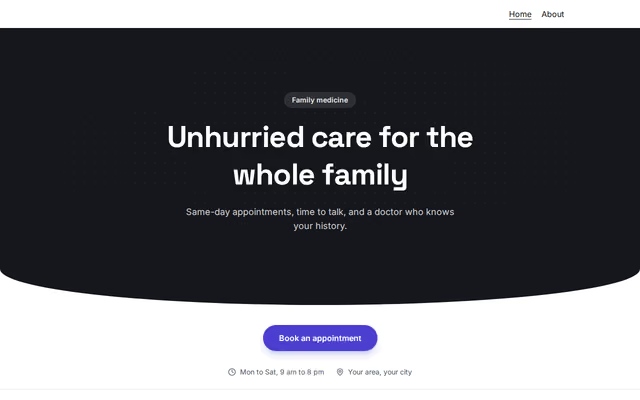 Hero: clinicby RevquixA full-width first screen for a clinic or practice: headline, booking buttons and practical facts.5 layouts
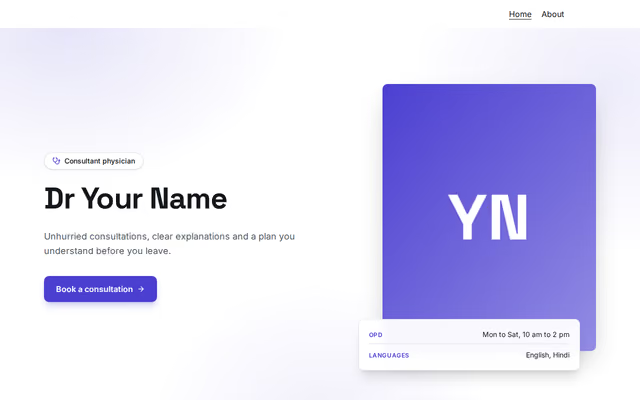 Hero: doctorby RevquixYour photo beside your name, what you treat and how to book, with practical facts.3 layouts
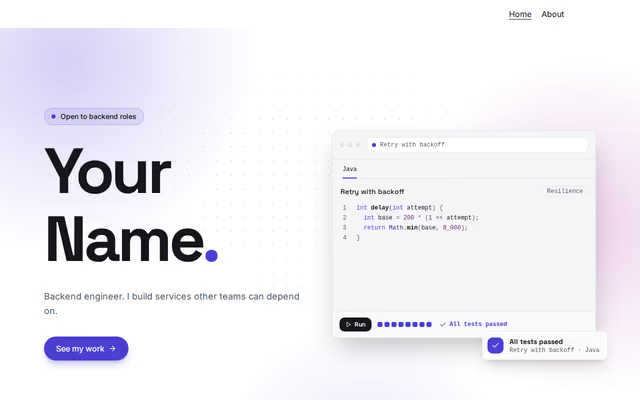 Hero: code windowby RevquixYour name beside a code window that types your snippets, runs checks and shows a verdict.2 layouts
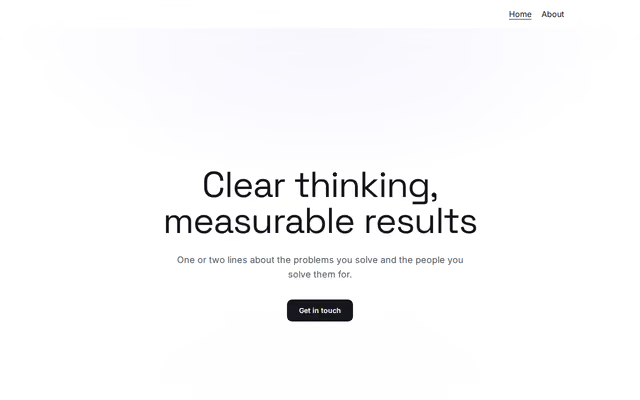 Hero: statementby RevquixA first screen with a strong statement about your work, styled for business and management careers.12 layouts
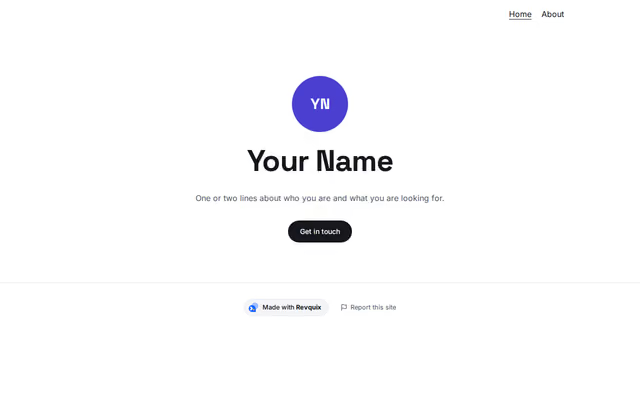 Hero: introductionby RevquixA first screen for students, designers, teachers, advocates and architects.6 layouts
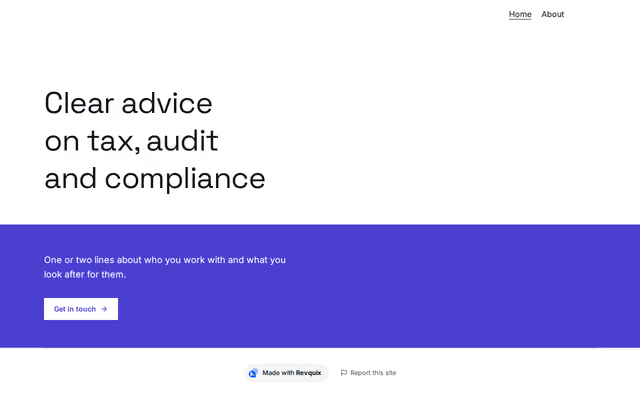 Hero: practiceby RevquixA first screen for accountants, company secretaries and their firms: a clear headline, plain facts and a photo.4 layouts
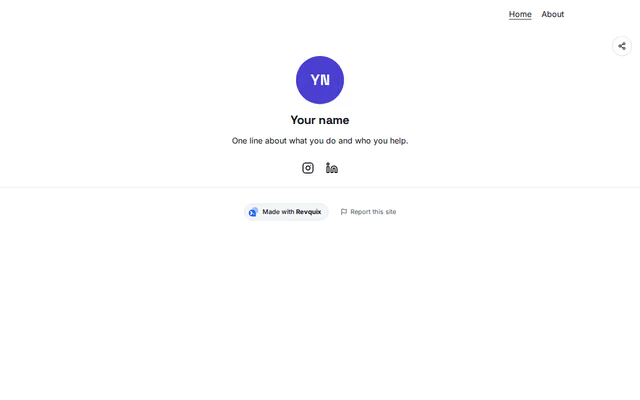 Hero: link page profileby RevquixYour photo, name, a line about you and your social icons, as the top of a link page.6 layouts
Want them arranged for you? Browse the templates.