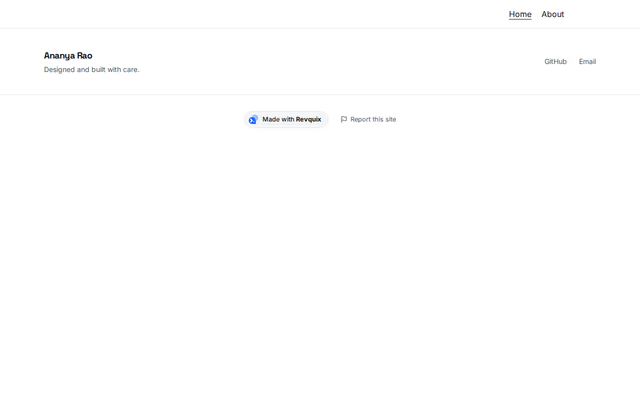
Footer
Footer section by Revquix
Your name, a short note and social icons at the bottom of every page.
- Price
- Free
- Layouts
- 5
- Settings
- 5
In the editor, choose "Add a section" and find Footer under Footer.
5 layouts
Switch between them any time in the editor; your words stay.
- Name and icons(in the picture)
- Large name
- Centred
- One quiet line
- Practice details
What you can change
- Name
- Short note
- Social links
- Registration line for doctors and other regulated professions (optional)
- Small print at the bottom (optional)
Want them arranged for you? Browse the templates.