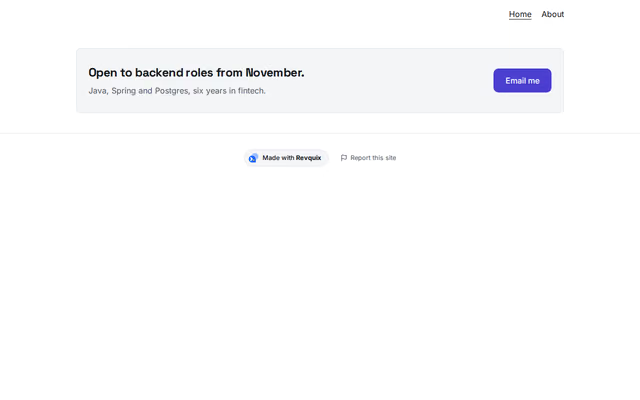
Ribbon call to action
Call to action section by a Revquix creator
Community section, reviewed by the Revquix team
A slim band: one line of text and one button, side by side on wide screens.
- Price
- Free
- Layouts
- 1
- Settings
- 3
In the editor, choose "Add a section" and find Ribbon call to action under Community.
1 layout
It follows your site's theme and colours.
- Default(in the picture)
What you can change
- Headline
- One line (optional)
- Button
Other call to action sections
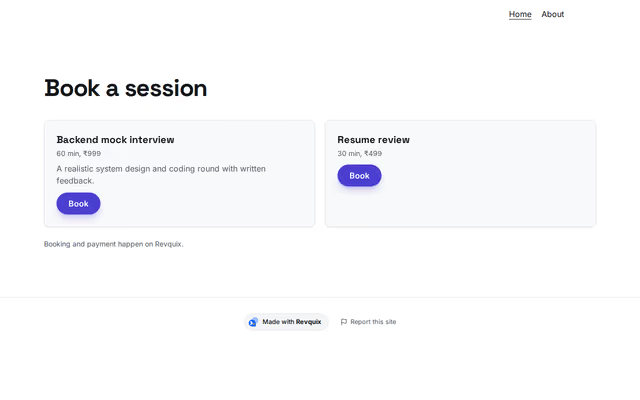 Book a sessionby RevquixYour Revquix mentoring services with prices; booking and payment happen on Revquix.3 layoutsFills itself
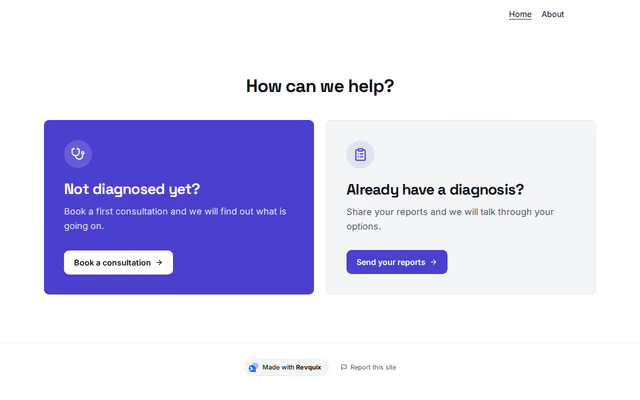 Choose your pathby RevquixTwo to four big links that send each visitor to the right page or service.4 layouts
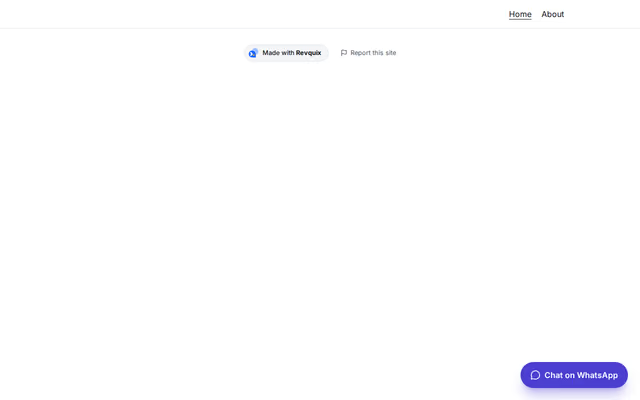 Floating buttonby RevquixA WhatsApp, call or booking button that stays in the corner of the screen.3 layouts
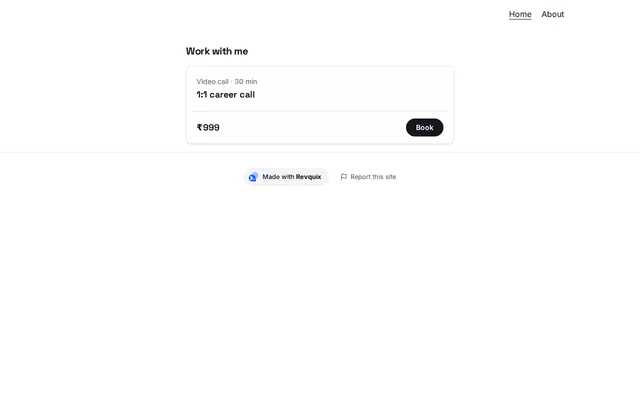 Offersby RevquixSessions, courses or products with a price and a button each, as cards, picture cards or compact rows.3 layouts
Want them arranged for you? Browse the templates.