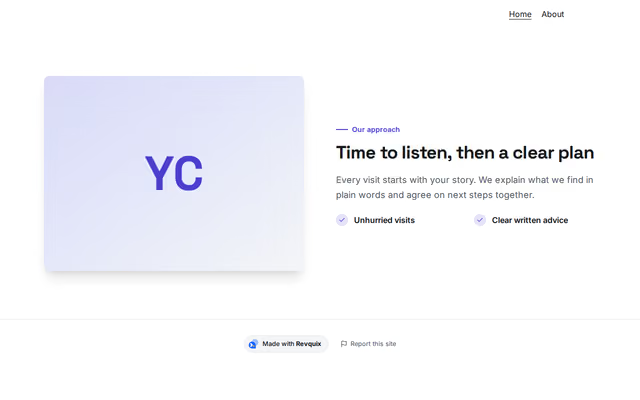
Spotlight
About section by Revquix
One idea with a picture: your approach, a specialism, how a visit works, or your book.
- Price
- Free
- Layouts
- 6
- Settings
- 11
In the editor, choose "Add a section" and find Spotlight under About.
6 layouts
Switch between them any time in the editor; your words stay.
- Picture on the left(in the picture)
- Picture on the right
- Picture beside a colour panel
- Book cover
- Large picture, overlapping card
- Portrait on a frame, signed
What you can change
- Small label above the heading (optional)
- Heading
- Second heading line, dimmed (optional)
- Line under the heading (optional)
- Text
- Ticked lines (optional)
- Main button (optional)
- Second button (optional)
- Picture or book cover (optional)
- Picture description (for screen readers)
- Text on the placeholder (book title, or a name for initials)
Other about sections
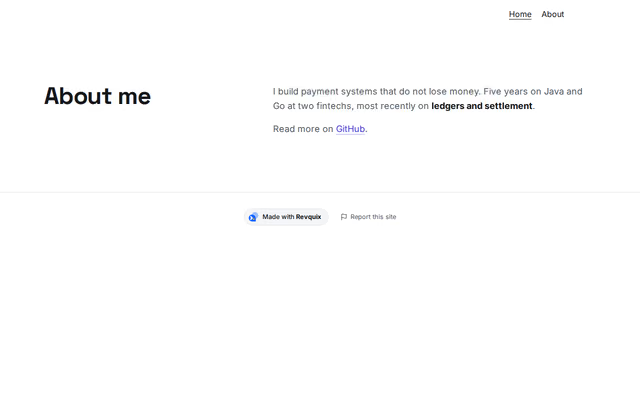 About (text)by RevquixA few paragraphs about you, with links and emphasis.18 layouts
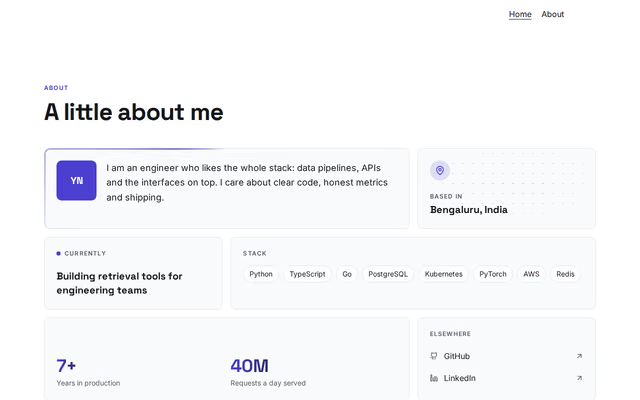 About (bento grid)by RevquixBio, location, current focus, stack, numbers and links as a grid of tiles.1 layout
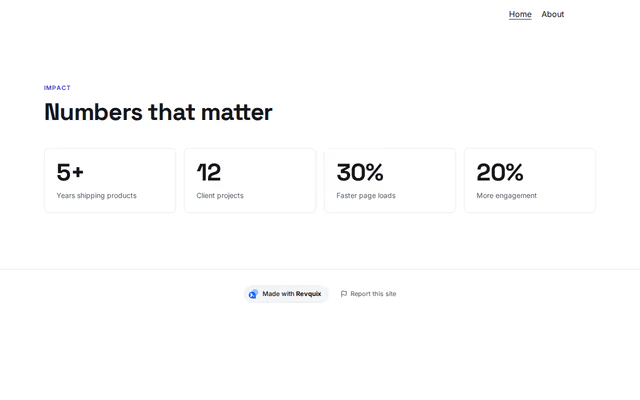 Numbersby RevquixUp to four numbers that sum up your work, as cards or a band.9 layouts
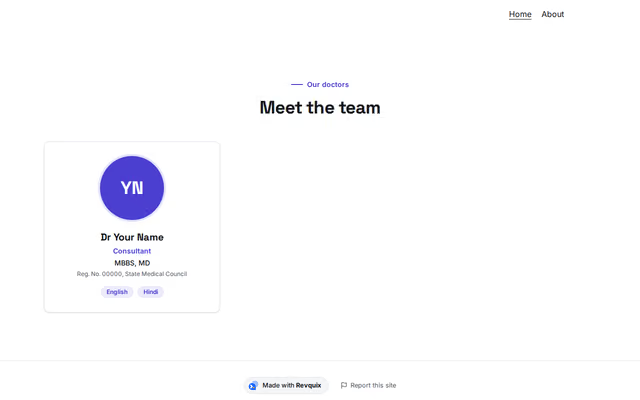 Doctors and teamby RevquixDoctors and care team with qualifications, registration number, bio and languages.3 layouts
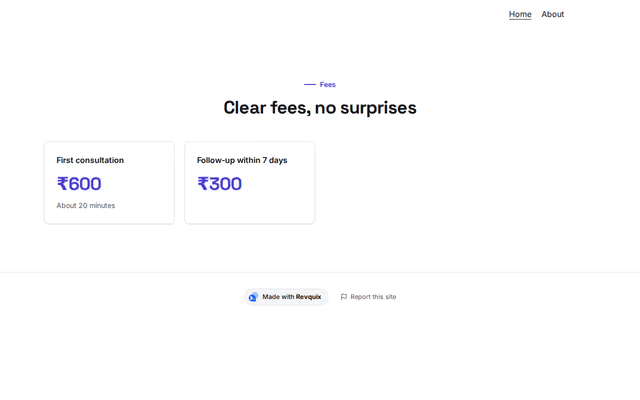 Feesby RevquixConsultation and procedure fees, stated plainly, with a note under the list.3 layouts
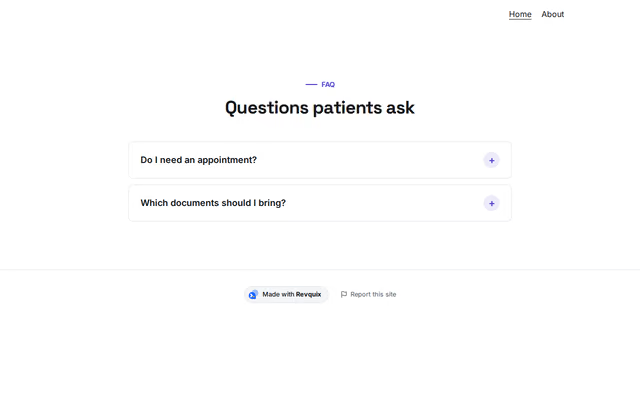 Questions and answersby RevquixFrequently asked questions that open in place, with an optional link to ask more.7 layouts
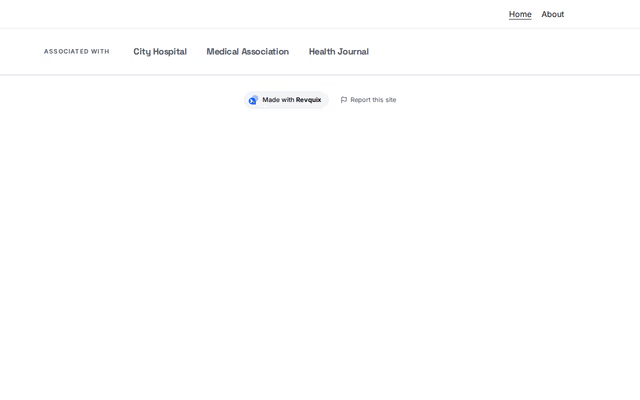 Logos and namesby RevquixHospitals, societies, insurers or press: logos or names in a row, a moving band or tiles.3 layouts
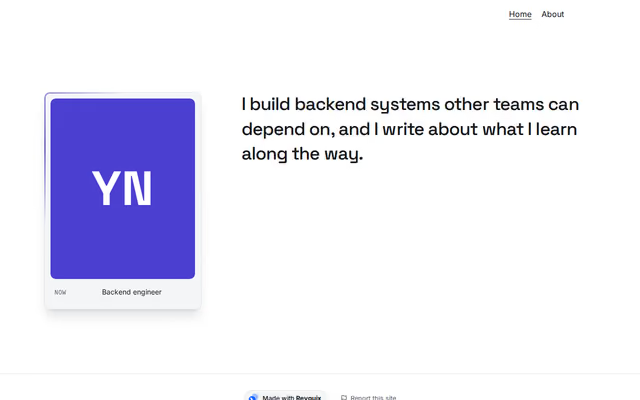 About (ID card)by RevquixA photo card with facts, one big paragraph that lights up as you scroll, and your principles.3 layouts
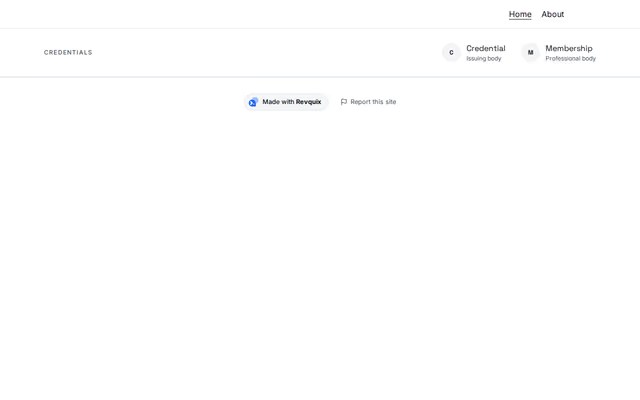 Credentials and membershipsby RevquixCharters, certifications and memberships you hold, as a quiet row or cards.7 layouts
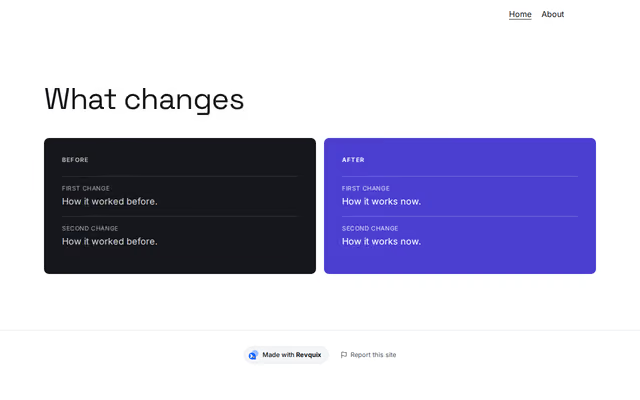 Before and afterby RevquixShow what changes with your work: a before list beside an after list, or a table.2 layouts
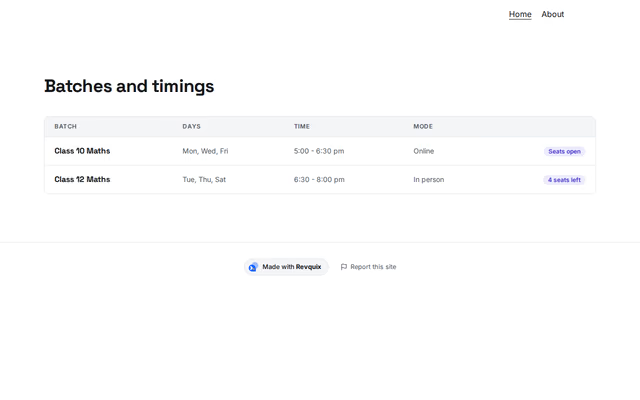 Timetableby RevquixBatches or classes with days, times, online or in person, and seats left.2 layouts
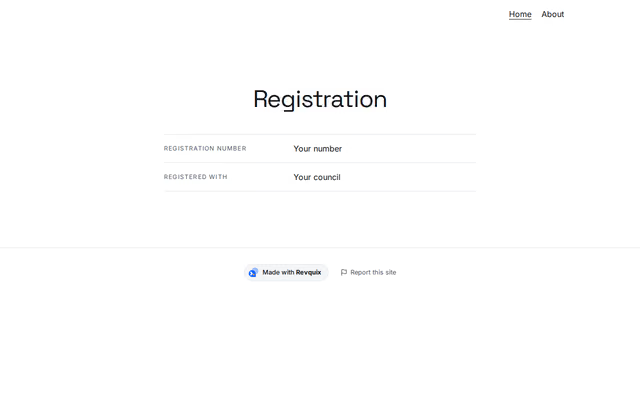 Detailsby RevquixFacts as label and value: an enrolment, a registration number with a link to verify it.2 layouts
Want them arranged for you? Browse the templates.